If you’re comparing Anthropic alternatives—or scanning for Anthropic competitors—this guide lays out your choices like an engineer, not an ad. We’ll clarify what Anthropic covers, explain where aggregators fit, then compare the best alternatives—placing ShareAI first for teams that want one API across many providers, transparent marketplace data, smart routing/failover, real observability, and people-powered economics where idle GPU/server “dead time” gets paid instead of wasted.
Expect practical comparisons, a TCO framework, a migration guide, and quick links so you can ship fast.
What is Anthropic?
Anthropic (founded in 2021) is an AI company focused on safety, reliability, and alignment. Its flagship Claude family (e.g., Claude 3 & 4 variants) powers enterprise and consumer use cases with features like large-context LLMs, multimodal input, coding help, and “Constitutional AI” alignment methods. Anthropic sells direct via its API and enterprise programs (e.g., team/government offerings) and partners with major clouds and platforms. It is not a neutral, multi-provider marketplace—choose Anthropic primarily when you want Claude specifically.
Why teams rarely standardize on one provider
Model quality, price, and latency drift over time. Different tasks prefer different models. Reliability work—keys, logging, retries, cost controls, and failover—decides real uptime and TCO. A multi-provider layer with strong control and observability survives production.
Aggregators vs gateways vs agent platforms
LLM aggregators: one API across many models/providers plus routing/failover and pre-route visibility (price/latency/uptime/availability).
AI gateways: governance/policy/guardrails/observability at the edge; bring your own providers.
Agent/chatbot platforms: packaged conversational UX, memory, tools, and channels; not focused on provider-neutral aggregation.
Common pattern: run a gateway for org-wide policy and an aggregator for transparent marketplace routing. Use the right tool for each layer.
#1 — ShareAI (People-Powered AI API): the best Anthropic alternative
What it is: a multi-provider API with a transparent marketplace and smart routing. With one integration, you can browse a large catalog of models and providers, compare price, availability, latency, uptime, provider type, and route with instant failover.
Why ShareAI stands out:
Marketplace transparency: pick providers by price, latency, uptime, availability, and type—before you route.
Resilience by default: routing policies, timeouts, retries, and instant failover.
Production-grade observability: prompt/response logs, traces, cost and latency dashboards.
No rewrites, no lock-in: one API to talk to many proprietary and open models.
People-powered economics: ShareAI taps the idle time (“dead time”) of GPUs and servers, so providers get paid for capacity that would otherwise sit unused—growing reliable supply while improving cost dynamics.
What it is: a research and deployment company (founded 2015) focused on safe AGI, blending nonprofit roots with commercial operations. Microsoft is a major backer; OpenAI remains independent in its research direction.
What they offer: GPT-class models via API; consumer ChatGPT (free and Plus); image (DALL·E 3) and video (Sora); speech (Whisper); developer APIs (token-metered); and enterprise/agent tooling like AgentKit (visual workflows, connectors, eval tools).
Where it fits: high-quality models with a broad ecosystem/SDKs. Trade-off: single-provider; no cross-provider marketplace transparency pre-route.
Mistral
What it is: a France-based AI startup focused on efficient, open models and frontier performance. They emphasize portability and permissive use for commercial apps.
What they offer: open and hosted LLMs (Mixtral MoE family), multimodal (Pixtral), coding (Devstral), audio (Vocstral), plus “Le Chat” and enterprise APIs for customizable assistants and agents.
Where it fits: cost/latency efficiency, strong dev ergonomics, and an open approach. Trade-off: still a single provider (no marketplace-style pre-route visibility).
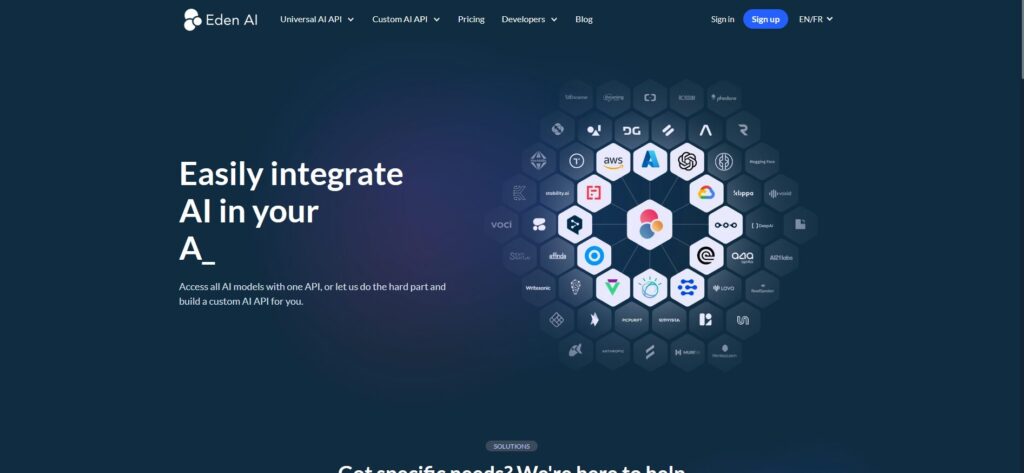
Eden AI
What it is: a unified gateway to 100+ AI models across modalities (NLP, OCR, speech, translation, vision, generative).
What they offer: a single API endpoint, no/low-code workflow builder (chain tasks), and usage monitoring/observability across diverse providers.
Where it fits: one-stop access to many AI capabilities. Trade-off: generally lighter on transparent, per-provider marketplace metrics before you route requests.
OpenRouter
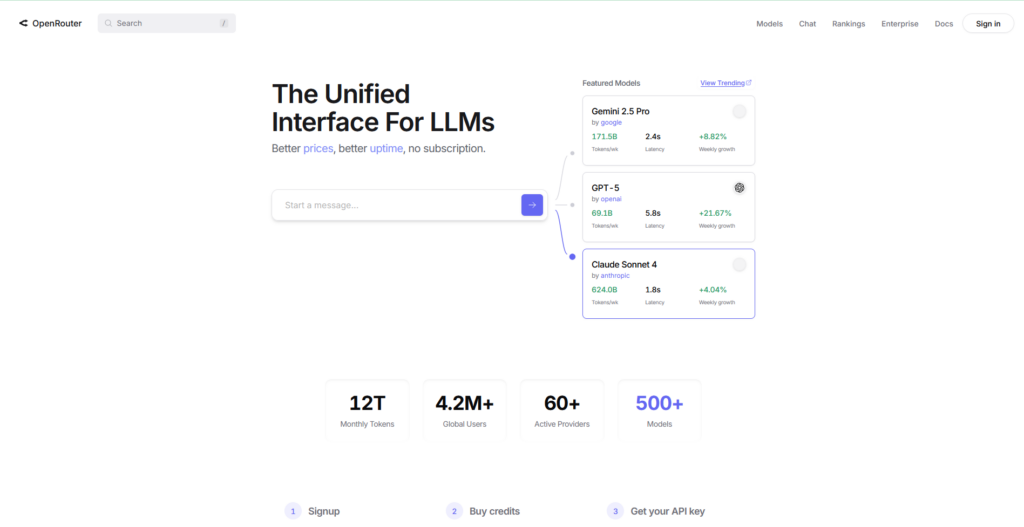
What it is: a unified API that aggregates models from many labs (OpenAI, Anthropic, Mistral, Google, and open-source), founded in 2023.
What they offer: OpenAI-compatible interface, consolidated billing, low-latency routing, and popularity/performance signals; small fee over native pricing.
Where it fits: quick experimentation and breadth with one key. Trade-off: lighter on enterprise control-plane depth and pre-route marketplace transparency vs. ShareAI.
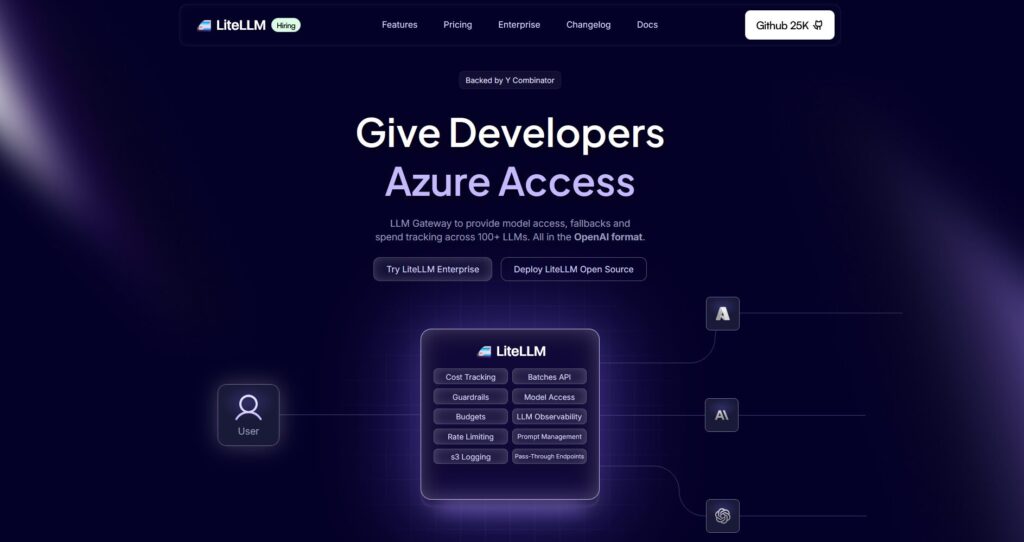
LiteLLM
What it is: an open-source Python SDK and self-hosted proxy that speaks an OpenAI-style interface to 100+ providers.
What they offer: retries/fallbacks, budget and rate limits, consistent output formatting, and observability hooks—so you can switch models without changing app code.
Where it fits: DIY control and fast adoption in engineering-led orgs. Trade-off: you operate the proxy, scaling, and observability; marketplace transparency is out of scope.
Unify
What it is: a platform for hiring, customizing, and managing AI assistants (an “AI workforce”) instead of wiring APIs directly.
What they offer: agent workflows, compliance and training features, evaluation and performance tooling, and growth/outreach automation leveraging multiple models.
Where it fits: opinionated agent operations and evaluation-driven selection. Trade-off: not a marketplace-first aggregator; pairs with a routing layer like ShareAI.
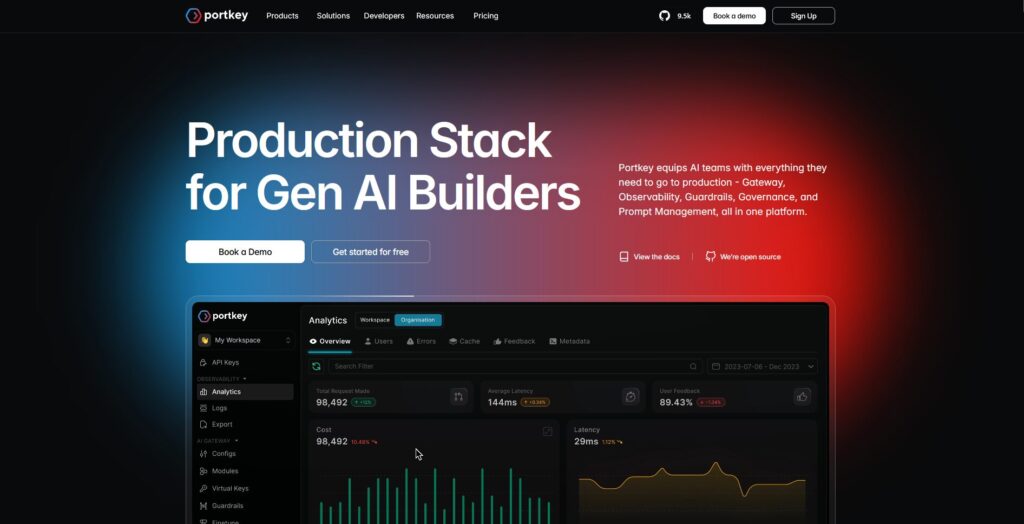
Portkey
What it is: an LLMOps gateway offering guardrails, governance, observability, prompt management, and a unified interface to many LLMs.
What they offer: real-time dashboards, role-based access, cost controls, intelligent caching, and batching—aimed at production readiness and SLAs.
Where it fits: infra-layer policy, governance, and deep tracing. Trade-off: not a neutral marketplace; often paired with an aggregator for provider choice and failover.
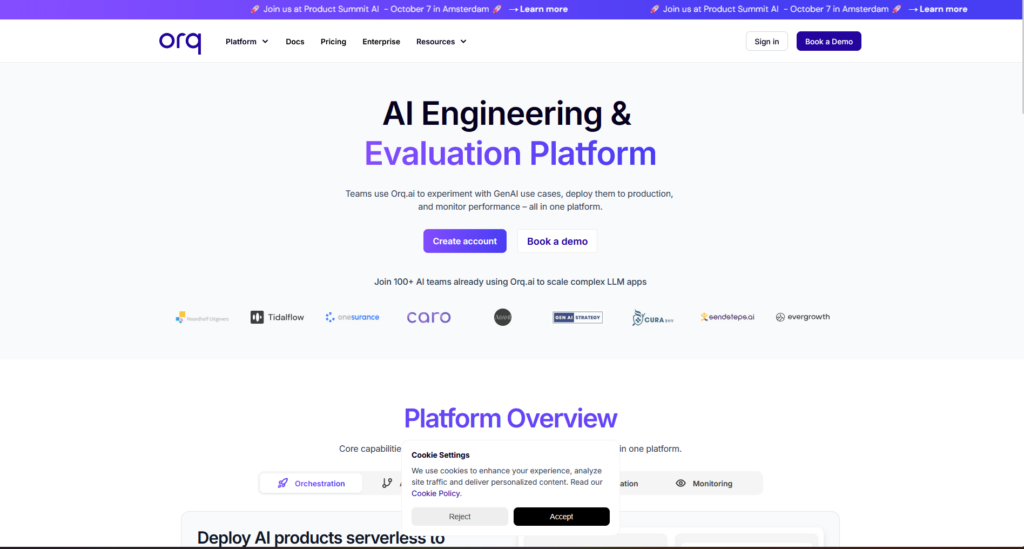
Orq AI
What it is: a no/low-code collaboration platform for software and product teams to build, run, and optimize LLM apps with security and compliance.
What they offer: orchestration, prompt management, evaluations, monitoring, retries/fallbacks, guardrails, and SOC 2/GDPR controls; integrates with 150+ LLMs.
Where it fits: collaborative delivery of AI features at scale. Trade-off: not focused on marketplace-guided provider routing; complements an aggregator like ShareAI.
Anthropic vs ShareAI vs others: quick comparison
Platform
Who it serves
Model breadth
Governance/Observability
Routing/Failover
Marketplace view
ShareAI
Product/platform teams wanting one API + resilience; providers paid for idle GPU/server time
Pricing & TCO: compare real costs (not just unit price)
Teams often compare $/1K tokens and stop there. In practice, TCO depends on retries/fallbacks, model latency (which changes user behavior and usage), provider variance, observability storage, evaluation runs, and egress.
Prototype (10k tokens/day): optimize time-to-first-token with Playground and quickstarts.
Mid-scale (2M tokens/day): marketplace-guided routing/failover trims cost while improving UX.
Spiky workloads: expect higher effective token cost during failover; budget for it.
Migration guide: moving to ShareAI from common stacks
From Anthropic: map model names; test Claude through ShareAI alongside alternates. Shadow 10% of traffic; ramp 25% → 50% → 100% as latency/error budgets hold. Use marketplace stats to swap providers without rewrites.
From OpenRouter: keep request/response shapes; verify prompt parity; route a slice through ShareAI to compare price/latency/uptime pre-send.
From LiteLLM: replace the self-hosted proxy on production routes you don’t want to operate; keep it for dev if preferred. Compare ops overhead vs. managed routing and analytics.
From Portkey/Unify/Orq: keep gateway/quality/orchestration where they shine; use ShareAI for transparent provider choice and failover. If you need org-wide policy, run a gateway in front of ShareAI’s API.
Key handling and rotation; minimal scopes; environment separation.
Data retention: where prompts/responses are stored and redacted.
PII and sensitive content: masking and access controls; regional routing.
Observability: prompt/response logs, traces, and cost/latency dashboards.
Incident response: escalation paths and provider SLAs.
Developer experience that ships
Time-to-first-token matters. Start in the Playground, generate an API key, then ship with the API reference. Use marketplace stats to set per-provider timeouts, list backups, race candidates, and validate structured outputs—this pairs naturally with failover and cost controls.
Anthropic vs OpenAI: which for multi-provider routing? Neither—both are single providers. Use ShareAI to access both (and more) behind one API with marketplace visibility and instant failover.
Anthropic vs OpenRouter: breadth or control-plane depth? OpenRouter gives breadth; Anthropic gives Claude. If you need routing policies, deep observability, and marketplace data in one place, ShareAI is stronger.
Anthropic vs Eden AI: LLMs vs multi-service convenience? Eden AI spans more modalities. For provider-transparent LLM routing with deep observability, ShareAI fits better—while you can still mix other services.
Anthropic vs LiteLLM: managed vs DIY? LiteLLM is great if you want to run your own proxy. ShareAI offloads proxying, routing, and analytics so you can ship faster with less ops.
Anthropic vs Unify: per-prompt quality optimization? Unify emphasizes evaluation-driven selection; ShareAI emphasizes marketplace-guided routing and reliability and can complement evaluation loops.
Anthropic vs Portkey (gateway): org-wide policy or marketplace routing? Portkey is for governance/guardrails/traces. ShareAI is for neutral provider choice and failover. Many teams run both (gateway → ShareAI).
Anthropic vs Orq AI: orchestration or aggregation? Orq focuses on flows/collaboration. ShareAI focuses on provider-neutral aggregation and routing; you can pair them.
LiteLLM vs OpenRouter: which is simpler to start? OpenRouter is SaaS-simple; LiteLLM is DIY-simple. If you want zero-ops routing with marketplace stats and observability, ShareAI is the clearer path.
Anthropic vs Mistral (or Gemini): which is “best”? Neither wins universally. Use ShareAI to compare latency/cost/uptime across providers and route per task.
Conclusion
Choose ShareAI when you want one API across many providers, an openly visible marketplace, and resilience by default—plus people-powered economics that monetize idle GPUs and servers. Choose Anthropic when you’re all-in on Claude. For other priorities (gateways, orchestration, evaluation), the comparison above helps you assemble the stack that fits your constraints.
If you’re evaluating OpenAI alternatives, this guide maps the landscape the way a builder would. We start by clarifying where OpenAI fits—frontier models with a proprietary API—then compare the 12 best OpenAI alternatives across model quality, reliability, governance, and total cost. We place ShareAI first for teams that want one API across many providers, a transparent marketplace showing price, latency, uptime, and availability before routing, instant failover, and people-powered economics (70% of spend goes to providers).
What is OpenAI ?
OpenAI is an AI research and deployment company founded in 2015 with the mission to ensure that artificial general intelligence (AGI) benefits all of humanity. It began as a non-profit and has since evolved into a hybrid structure that combines non-profit research with for-profit operations. Microsoft is a major backer and commercial partner, while OpenAI remains independent in its research direction.
What OpenAI does. OpenAI develops cutting-edge AI using deep learning, reinforcement learning, and natural language processing—best known for Generative Pre-trained Transformers (GPT) that can generate text, answer questions, create images, and translate languages.
Learn more in the official OpenAI resources (docs, API pricing, and research updates)
Key product categories
Consumer: ChatGPT (free) and ChatGPT Plus (USD $20/mo) provide conversational AI for Q&A, writing, research assistance, web search, and image generation.
Image & video:DALL·E 3 creates images from text. Sora converts text prompts into short, cinematic videos.
Developer tools: The OpenAI API exposes models via pay-as-you-go billing based on token usage, with text, image, and multimodal endpoints.
Speech & audio:Whisper is an open-source speech-to-text model supporting multiple languages.
Enterprise:AgentKit (Oct 2025) helps teams build, deploy, and evaluate AI agents with visual workflows, connectors, and measurement.
Research tools:OpenAI Scholar supports researchers and students; OpenAI Gym is a toolkit for reinforcement learning.
Business model. Revenue comes from consumer subscriptions (ChatGPT Plus), API usage (token-based), licensing, and strategic partnerships (notably Microsoft). The approach blends open-source components (e.g., Whisper) with proprietary offerings to serve researchers, enterprises, developers, governments, and NGOs.
Why it matters. OpenAI pairs frontier research with practical products that democratize access to advanced AI. By emphasizing safety, ethics, and responsible deployment, it plays a central role in shaping how AI is built and adopted.
Fit. If you want best-in-class frontier models and are fine with a single provider, OpenAI is ideal. If you want provider-agnostic access with pre-route transparency and automatic failover, consider an aggregator/marketplace such as ShareAI—many teams even run ShareAI alongside single-provider APIs to gain routing resilience and cost control.
Aggregators vs Model Labs vs Gateways
LLM Aggregators / Marketplaces. One API over many models/providers with pre-route transparency (price, latency, uptime, availability, provider type) and smart routing/failover. Example: ShareAI.
Model Labs. Companies that build/serve their own models (frontier or enterprise-tuned). Examples: Anthropic, Google DeepMind/Gemini, Cohere, Stability AI.
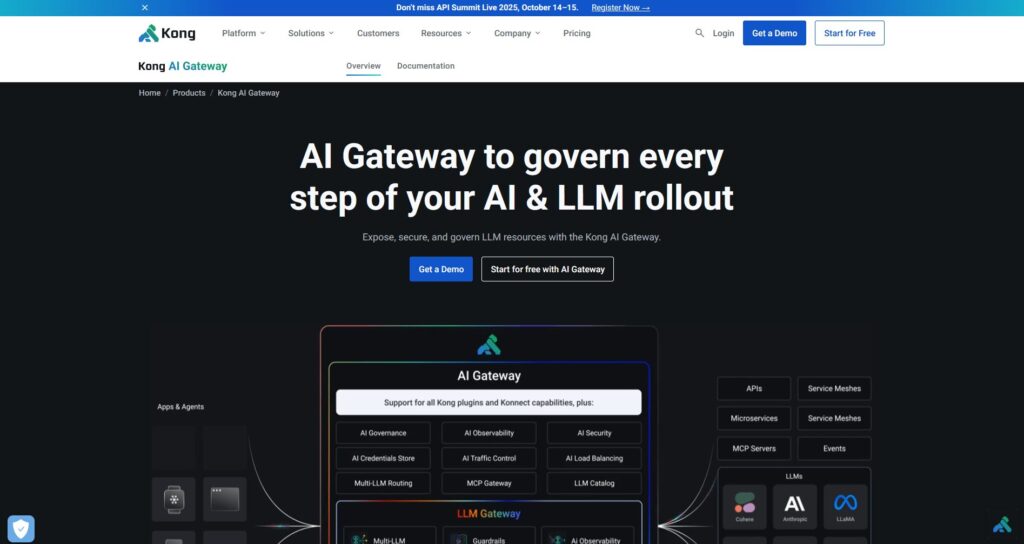
AI Gateways. Governance at the edge (keys, rate limits, guardrails) plus observability; you supply the providers. Examples: Kong, Portkey, WSO2. These pair well with marketplaces like ShareAI for transparent routing.
How we evaluated the best OpenAI alternatives
Model breadth & neutrality. Proprietary + open models; easy switching without rewrites.
Community & economics. Does your spend grow supply (incentives for GPU owners/providers)?
The 12 best OpenAI alternatives (capsules)
#1 — ShareAI (People-Powered AI API)
What it is. A multi-provider API with a transparent marketplace and smart routing. With one integration, browse a large catalog of models and providers, compare price, latency, uptime, availability, and provider type, and route with instant failover.
Why it’s #1. If you want provider-agnostic aggregation with pre-route transparency and resilience by default, ShareAI is the most direct fit. Keep any gateway you already use; add ShareAI for marketplace-guided routing.
One API → many providers; no rewrites, no lock-in.
Resilience by default: routing + instant failover.
Transparent marketplace: choose by price, latency, uptime, availability, provider type.
Fair economics: 70% of spend goes to providers.
People-powered supply: ShareAI taps into otherwise idle GPU/server time—providers (from individuals to data centers) earn during their hardware’s “dead time,” turning sunk costs into recurring revenue while expanding overall capacity.
For providers. Earn by keeping models online. ShareAI rewards always-on uptime and low latency; billing, splits, and analytics are handled server-side for fair exposure.
#2 — Anthropic (Claude)
Anthropic builds reliable, interpretable, steerable AI with a safety-first posture. Founded in 2021 by former OpenAI leaders, it pioneered Constitutional AI (ethical principles guide outputs). Claude emphasizes enterprise reliability, advanced reasoning, and cites sources via integrated retrieval. Anthropic is a public benefit corporation, actively engaging policymakers to shape safe AI practices.
#3 — Google DeepMind / Gemini
Gemini is Google’s multimodal LLM family (text, image, video, audio, code), embedded across Google Search, Android, and Workspace (e.g., Gemini Live, Gems). With Pro and Ultra tiers, Gemini targets deep reasoning and multimodal understanding, plus coding and image generation (Imagen lineage). It’s positioned as a ChatGPT rival with safety guardrails, iterative factuality improvements, and developer tooling (e.g., Gemini CLI).
#4 — Cohere
Enterprise-focused LLMs/NLP for generation, summarization, embeddings, classification, and retrieval-augmented search. Cohere stresses privacy, compliance, and deployment flexibility (cloud or on-prem). Models are adversarially tested and bias-mitigated; APIs are designed for regulated workflows and multilingual use.
#5 — Stability AI
Open-source generative models across image, video, audio, and 3D (flagship: Stable Diffusion). Emphasis on transparency, community collaboration, and fine-tuning/self-hosting. Strong fit where customization, control, and rapid iteration matter for creative automation and content pipelines.
#6 — OpenRouter
A unified API covering many models/providers with fallbacks, provider preferences, and variants for cost/speed trade-offs. It passes through native provider pricing (no inference markup), charges a small fee on credits, and offers consolidated billing and analytics. OpenAI-compatible surfaces streamline adoption.
#7 — Mistral AI
French startup with efficient, open and commercial models featuring long context windows (up to 128k tokens). Strong price/perf; good for multilingual, code, and enterprise workloads. Available via API and self-host, often paired with aggregators for routing and uptime diversity.
#8 — Meta Llama
Open model family (e.g., Llama 3, Llama 4, Code Llama) spanning billions to hundreds of billions of parameters. Ecosystem includes Llama Guard/Prompt Guard for safer interactions and broad hosting on platforms like Hugging Face. Licenses enable fine-tuning and deployment across many apps.
#9 — AWS Bedrock
Serverless access to multiple foundation models with RAG, fine-tuning, and agents, integrating deeply with AWS services (Lambda, S3, SageMaker). Lets teams build secure, enterprise-grade gen-AI without managing GPUs, plus connectors for proprietary data sources.
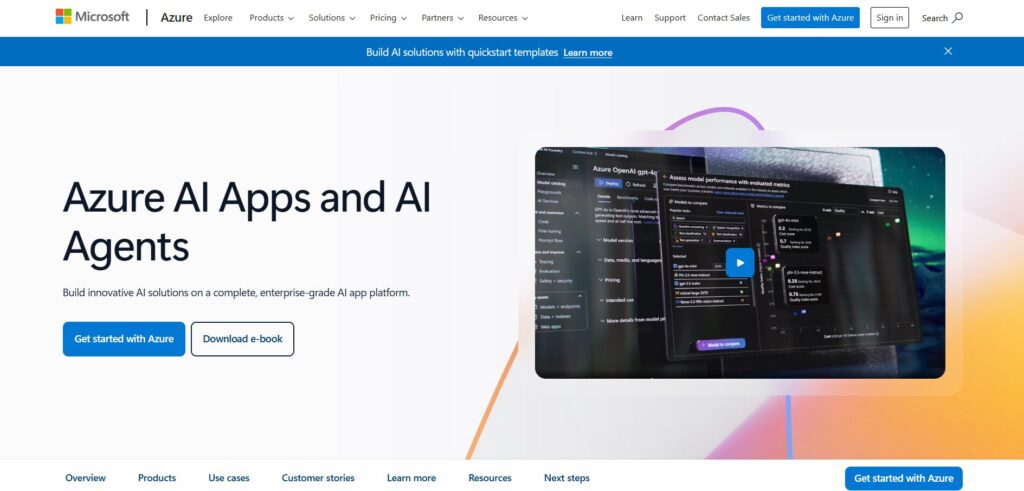
#10 — Azure AI (incl. Azure OpenAI Service)
Comprehensive Azure AI suite + Azure OpenAI for GPT-4/3.5, DALL·E, Whisper. Strong enterprise controls, regional data handling, and SLAs; used internally across Microsoft products (e.g., GitHub Copilot). Offers REST libraries and Azure ML for training/customization on your data.
#11 — Eden AI
Aggregator spanning LLMs and broader AI (vision, TTS). Provides fallbacks, caching, and batching—useful for teams mixing modalities and wanting pragmatic cost/perf controls.
#12 — LiteLLM (proxy/SDK)
Open-source gateway/library offering an OpenAI-compatible interface across 100+ providers. Adds retry/fallback, budgets/rate limits, and observability to simplify experiments and reduce vendor lock-in. Often used in dev; many teams replace with managed routing in production.
Generative AI applications (what teams actually build)
Voice & audio synthesis: accelerate video production and localization.
Cybersecurity: ML/DL-based pattern detection (safety still evolving).
AI assistants: note-taking, meeting summaries, call insights via NLP.
AI chatbots: faster first response and resolution at lower cost.
Personal & entertainment: conversational research, ideation, play.
OpenAI vs ShareAI (at a glance)
Platform
Who it serves
Model breadth
Governance & security
Observability
Routing / failover
Marketplace transparency
Provider program
ShareAI
Teams needing one API + fair economics
Many providers
API keys & per-route controls
Dashboards for cost/latency
Smart routing + instant failover
Price, latency, uptime, availability, provider type
Open supply; 70% to providers; pays for idle GPU time
OpenAI
Product & platform teams
OpenAI models
Provider-native
Provider-native
Single-provider
N/A
N/A
Pricing & TCO: compare real costs (not just unit prices)
Your TCO moves with retries/fallbacks, latency (affects usage), provider variance, observability storage, and evaluation runs. A transparent marketplace keeps true costs visible before you route and helps you balance cost and UX.
Observability: prompt/response logging with pseudonymization; consistent trace IDs.
Incident response: clear escalation paths and provider SLAs.
FAQ — OpenAI alternatives & comparisons
OpenAI vs Anthropic — which for safety + multi-provider routing? Anthropic emphasizes constitutional AI and safety. If you also want vendor choice, pre-route transparency, and auto-failover, use ShareAI to route across providers and keep costs/latency visible.
OpenAI vs Google Gemini (DeepMind) — breadth vs portability? Google offers tight ecosystem integrations. ShareAI gives portability across many providers and objective latency/uptime comparisons before you route.
OpenAI vs Cohere — enterprise focus vs marketplace choice? Cohere targets business tasks. With ShareAI you can pick Cohere or alternatives by live price/latency and fail over automatically if a provider degrades.
OpenAI vs Stability AI — open models vs managed routing? Stability’s openness is great for customization. ShareAI adds transparent, provider-agnostic routing across open and proprietary models with clear accounting.
OpenAI vs OpenRouter — exploration vs production routing? OpenRouter is excellent for rapid model exploration. ShareAI shines in production with allocator-driven routing, instant failover, and analytics for cost/latency clarity.
OpenAI vs Eden AI — broader AI vs marketplace transparency? Eden covers many modalities. ShareAI focuses on transparent LLM routing with instant failover and detailed billing & analytics.
OpenAI vs LiteLLM — DIY proxy vs managed platform? LiteLLM is great for dev and local proxies. ShareAI removes ops overhead in prod while keeping OpenAI-compatible surfaces and adding observability.
Anthropic vs OpenRouter — safety lab vs aggregator? Where does ShareAI fit? Anthropic = safety-first models; OpenRouter = aggregator. ShareAI combines aggregation with smart routing and analytics so you can compare and fail over based on live stats.
Gemini vs Cohere — which for enterprise workflows? Why add ShareAI? Both target enterprise. Add ShareAI to compare providers by live latency/uptime and route accordingly; gain resilience without rewrites.
Mistral vs Meta Llama — open models showdown; how does ShareAI help? Use ShareAI to A/B routes, track token costs, and switch providers without code churn; swaps are operationally safe and observable.
Top 15 DePIN Projects in 2025: The Future of Decentralized Infrastructure
Updated September 2026
Decentralized Physical Infrastructure Networks (DePIN) moved from niche acronym to a core crypto + AI narrative. In 2025, DePIN projects live at the intersection of Web3, real-world infrastructure, and GPU-hungry AI — and that’s exactly where ShareAI operates.
In this guide:
What DePIN actually is
Why DePIN is exploding in 2025
15 standout DePIN projects by category (with a focus on DePIN + GPU)
A deep dive into ShareAI’s decentralized GPU compute approach
How to get involved in the DePIN ecosystem
A look ahead: DePIN market size by 2027
Along the way we’ll naturally target “DePIN projects 2025” (primary), plus decentralized infrastructure network, DePIN crypto, blockchain infrastructure network, and DePIN GPU mining.
In plain terms: DePIN projects use incentives and open networks to coordinate people and organizations to deploy and run physical infrastructure in the real world — and reward them for doing it.
Instead of:
A telco funding all the cell towers
A cloud giant building every data center
A single company owning all the map data
…DePIN turns those into open networks anyone can contribute to and get paid by.
Sensor networks – weather, mapping, geospatial, mobility data
Why DePIN Is Exploding in 2025
1) The numbers are finally meaningful
DePIN went from small experiments to hundreds of live networks and tokens, with real hardware deployed and usage fees flowing. Even if measured conservatively, it’s grown from a niche theme to a durable blockchain infrastructure network segment that builders can touch and measure.
2) AI + GPU demand is off the charts
The AI GPU market ballooned, creating two gaps:
Top-tier GPUs are scarce and pricey for startups and indie builders.
Consumer & edge GPUs sit idle most of the day.
DePIN GPU networks step in by pooling idle GPUs globally, routing useful work (AI inference, rendering) and rewarding providers. This is where “DePIN GPU mining” emerges: instead of hashing, your hardware performs real AI tasks and earns.
3) “Useful work” is easy to explain
DePIN is a clear answer to the classic crypto question, “What’s the point?” From wireless (Helium) to storage (Filecoin) to mapping (Hivemapper), these networks power services non-crypto users can feel — with transparent economics.
The DePIN Stack (Where ShareAI Fits)
You can view DePIN as four horizontal pillars:
Compute — GPUs / CPUs for AI inference, training bursts, rendering
Storage — content and dataset durability (hot/cold/permanent)
ShareAI sits squarely in Compute, specializing in GPU inference for open-source LLMs. It naturally connects upward and sideways to other pillars (e.g., models and datasets living on decentralized storage).
For a quick model and provider overview, explore the Models (Marketplace): Browse Models
Top 15 DePIN Projects in 2025 (By Category)
Note: Curated snapshot for “DePIN projects 2025” across compute, storage, wireless, and sensors. This is not financial advice. Metrics like price, supply, and usage evolve; always check current dashboards before decisions.
1) Compute Networks (DePIN + GPU)
ShareAI — The People-Powered AI API (Prosumer-first GPU grid)
Category: Compute (GPU) Token/unit: Usage credits today; future on-chain options possible Contributors provide: Idle CPU/GPU on desktops & laptops Users get: One API to open-source LLMs, pay-per-token pricing
What’s unique:
Idle-time first: ShareAI takes advantage of the dead times of GPUs and servers — owners get paid for capacity that would otherwise sit idle.
Prosumer model: You can consume AI via one API, and also provide your spare compute when you’re not using it.
Aligned incentives:~70% of revenue flows back to device owners (a powerful pull for providers).
Clarity: Today, ShareAI does not run on DePIN/blockchain protocols. It mirrors DePIN-like economics (anyone can contribute hardware and earn), while focusing on reliability and developer UX.
Optional: when publishing, you can add a “Market Cap / Devices / Nodes” column sourced from live dashboards. Values change frequently; we keep them out of the static draft.
Deep Dive: ShareAI’s Approach to Decentralized GPU Compute
The Problem
GPUs are centralized and expensive; startups and researchers get priced out. Consumer GPUs (workstations, gaming rigs) are unused most of the time. AI APIs are fragmented, with opaque pricing and policy changes.
The ShareAI Vision: People-Powered AI
“Airbnb for idle machines”: anyone can contribute hardware and get paid. One API → 150+ models, routed across providers; pay-per-token usage that developers understand. ~70% of revenue goes back to GPU owners, aligning incentives and accelerating supply growth.
Storage: datasets, model artifacts, and logs can live on decentralized storage ecosystems. Wireless & Sensors: apps built atop Helium/Nodle/XNET, Hivemapper/GEODNET/WeatherXM/DIMO can call open-source LLMs through ShareAI’s API.
How to Get Involved in the DePIN Ecosystem
1) As a hardware provider (“miner”)
GPU networks: ShareAI, Render, Aethir, io.net, Nosana, Akash — contribute your GPUs, earn via tokens or revenue share. Wireless & sensors: Helium/XNET (hotspots), WeatherXM (weather stations), GEODNET (GNSS base stations), DIMO (vehicle adapters), Hivemapper (dashcams).
Track decentralized infrastructure network deployments (devices, GPUs, nodes). Focus on usage, uptime, and revenue over only token prices. Revisit this list annually; DePIN projects 2025 is an evergreen format that updates well.
DePIN Market Outlook: Where Could We Be by 2027?
Without making predictions, a reasonable directional view is:
Token market caps: still in the tens of billions if traction continues.
Network revenues: maturing networks could aggregate to hundreds of millions per year.
GPU DePIN share: with AI spend growing, even a single-digit share captured by decentralized GPU networks implies multi-billion-dollar throughput across the sector.
The takeaway: DePIN is early, but no longer hypothetical. Real networks exist, real hardware is deployed, and real users are paying.
Provider Facts (ShareAI)
Who can provide: Community or Company providers (anyone can join).
GPU Passive Income: Earn $500–$1,000/Month with Your RTX 4090 (2025 Guide)
Updated September 2026
You built or bought a powerful GPU rig — now make it pay for itself. In 2025, GPU passive income is shifting from classic crypto mining toward AI/LLM inference, training bursts, and rendering. In this guide, you’ll learn why the switch is happening, how European data-center constraints amplify demand for decentralized GPUs, what you can realistically earn with an RTX 4090 (and 5090), how to monetize GPU dead-time with ShareAI, and how to start in 3 steps.
Why GPU passive income is replacing crypto mining in 2025
Economics: PoW profitability down, AI demand up
Crypto Proof-of-Work mining has steadily become less profitable due to higher network difficulty, reward reductions, and rising electricity prices. At the same time, demand for GPU compute is exploding: startups and enterprises are shipping AI apps, LLM-as-a-Service is scaling, and video/gen-AI workloads are surging. In practice, one hour of GPU rental for AI can yield 1.5×–4× the revenue of the same hour spent mining — and your cash flow is less tied to token volatility.
PoW vs AI workloads (what changes for your rig)
Mining: stable, repetitive hash computations; great for certain GPUs; runs 24/7; income tracks coin price and difficulty.
AI/LLM/Render: varied tasks (inference, fine-tuning, training bursts, rendering); relies on matrix math, VRAM bandwidth, and overall GPU throughput; jobs can be scheduled or spiky; benefits from containers, APIs, and virtualization.
Bottom line: single-purpose mining hardware is narrowly focused. GPUs are multifunctional and adapt well to AI/LLM jobs — ideal for transitioning rigs to higher-value work.
Why this shift is accelerating in Europe (capacity crunch)
Europe runs ~3,000 data centers with ~11 GW operational and 20 GW in pipeline, yet ~84% utilization leaves only ~1.76 GW spare. Vacancy in FLAPD markets hovers around 8%, demand has exceeded new supply for 3+ years, and ~30 GW of projects are stuck in grid-connection queues. Power demand is ~96 TWh (2024) trending toward ~150 TWh by 2030. Meanwhile, the GPU footprint is surging (~380k GPUs; A-series leads; H-class expanding), with the EU GPU market projected toward €82.2B by 2034.
What this means for providers: with centralized capacity tight and power/land constrained, decentralized GPUs (home labs, small farms) that can deliver compliant workloads become valuable shock absorbers — especially during peak windows. That’s exactly where ShareAI leans in: routing jobs to idle consumer and prosumer GPUs.
Who’s already making the switch
Large data centers have been repurposing racks to AI. Mid-size farms with RTX 30/40 series moved into render and inference marketplaces. Home miners (e.g., single RTX 3080/3090/4080/4090) earn more on Stable Diffusion inference, LLM inference (Qwen/Llama/Mixtral), and video generation. Entry barriers keep falling via “connect and earn” platforms.
Profitability snapshot (RTX 3080/3090/4090)
Card type
Mining income (per day)
AI inference/render income (per day)
Difference
RTX 3080
$0.35–$0.60
$0.80–$2.50
×2–×4
RTX 3090
$0.60–$0.90
$1.50–$4.00
×3–×5
RTX 4090
$0.90–$1.40
$3.00–$7.00
×3–×6
Hybrid mode: Mining + AI on the same rig
Want mining as a backstop? Run a hybrid setup: install a management OS (HiveOS/SimpleMining/Ubuntu), use Docker containers for your AI runtime, expose the GPU to a rental/API layer. Idle? Mine. Job arrives? Pause mining, run AI, then resume. This keeps your hardware busy and maximizes effective utilization.
Risks and limitations (and how to mitigate)
Job irregularity: list on multiple marketplaces; set alerts; enable autoswitching.
Market saturation: differentiate with uptime, VRAM size, and predictable pricing.
How much can you actually earn? (RTX 4090/5090 + calculator)
What affects earnings
Utilization (% of day with paid jobs) — the #1 revenue lever.
Rate (€/$/GPU-hour or per 1M tokens) — higher for VRAM-intensive jobs.
Power & cooling — subtract electricity to get net.
Network & storage — large models/artifacts need bandwidth and fast disks.
Setup quality — solid images, uptime, and quick support increase repeat jobs.
A realistic solo-GPU range for a well-maintained RTX 4090 is $500–$1,000/month, assuming blended rates and solid utilization. High-end farms or 4090 pairs can exceed this.
Token-based pricing scenarios (DeepSeek-R 33B)
For these calculations we used deepseek-r:33b to estimate tokens throughput.
1) Revenue per Device (before electricity costs)
Pricing Model
8 hours/day
24 hours/day
7 EUR / million tokens
$231.49
$694.46
10 EUR / million tokens
$330.70
$992.09
2) Electricity Cost per Device
Region
8 hours/day
24 hours/day
USA (0.15 USD/kWh)
$18.60
$55.80
Europe (0.25 USD/kWh)
$31.00
$93.00
3) Net Profit per Device (after electricity costs)
Pricing Model
Region
8 hours/day
24 hours/day
7 EUR / M tokens
USA
$212.89
$638.66
7 EUR / M tokens
Europe
$200.49
$601.46
10 EUR / M tokens
USA
$312.10
$936.29
10 EUR / M tokens
Europe
$299.70
$899.09
Takeaways: 8h/day at 7 EUR/M tokens → ~$213/mo (USA), ~$200/mo (EU). 24h/day at 7 EUR/M tokens → ~$639/mo (USA), ~$601/mo (EU). 24h/day at 10 EUR/M tokens → up to ~$936/mo (USA). Europe’s higher energy costs reduce net, but profit remains viable with strong utilization.
The RTX 5090 often shows ~50–60% uplift in LLM tokens/sec vs 4090 on optimized stacks, and ~40–45% uplift on many computer-vision tasks. With 32 GB GDDR7 and huge bandwidth, you can fit larger context windows or bigger batch sizes, run heavier diffusion and larger LoRAs with less swapping, and command higher hourly rates on VRAM-sensitive jobs.
If you’re choosing between 4090 and 5090 for earnings, the 5090’s VRAM headroom often yields better €/hr and wider job coverage — especially in premium demand windows.
Quick calculator (€/hr model)
Formula (net monthly):Net € = (GPU-hour rate × paid hours) – (kWh × € per kWh), where paid hours = 24 × days × utilization%. Assumptions below use €0.22/kWh, 350 W (4090) or 400 W (5090) during AI jobs, and a 30-day month — adjust to your market.
Tip: monetization isn’t just about raw speed. Job coverage (which models/jobs you can accept) and dead-time utilization are the multipliers.
ShareAI vs. traditional options (quick comparison)
Why “dead-time” monetization matters
Most rigs sit idle for a surprising portion of the day. ShareAI is built to fill those gaps, so GPU owners get paid for time they’d otherwise waste after investing in hardware. The platform focuses on low-friction onboarding, predictable payouts, and provider-friendly controls (pricing, uptime, images).
Comparison at a glance
Option
What it is
Pros
Cons
Best for
ShareAI
Provider network for AI/LLM/render with idle-time monetization
Fast onboarding, automated job routing, Auth + API keys + billing, provider docs & guides
You still manage thermals/network; utilization varies
Home GPU owners, small farms
Generic compute marketplaces
Open listing/rental platforms
Flexible listings, variable rates
Heavier manual setup; discovery can be harder
Power users who love DIY
Render-only networks
GPU networks focused on 2D/3D rendering
Strong demand in VFX/DCC niches
Less LLM coverage, VRAM needs vary
Artists, render-heavy farms
DIY scripts & self-renting
Roll your own queue + billing
Full control, keep margin
Time-intensive, support burden, low discoverability
Advanced DevOps & agencies
Why ShareAI? It’s optimized to capture dead-time, expand job coverage with ready images/workflows, and keep providers in control of rate cards while simplifying Auth, billing, and API usage.
Getting started in 3 steps
1) Create your ShareAI account — Auth (login/sign-up auto-detect): Sign in to ShareAI
Card-on-file and bank/crypto rails vary by region; choose your preferred payout method in Billing.
Can I mine and run AI jobs at the same time?
Yes — set up a hybrid that switches between mining and AI jobs. When a paid AI job lands, pause mining, run the task, then resume.
Is a single RTX 4090 enough to earn $500–$1,000/month?
Yes — with solid utilization and a reasonable hourly/token rate, a 4090 can reach that range. Earnings depend on uptime, VRAM fit, network, and reputation.
Do I need enterprise-grade internet?
Aim for a stable 200–500 Mbps uplink and consistent latency. Many providers succeed from home labs with proper QoS and wiring.
Will AI jobs overheat my GPU?
AI workloads can push VRAM temps harder than mining. Keep a clean case, quality pads/paste, tuned fans/curves, and monitor hotspot temps.
How does ShareAI handle privacy and model terms?
Only compliant workloads are routed; providers should not run disallowed jobs and must follow the applicable model/provider terms.
Does the RTX 5090 really earn more than 4090?
Often yes, thanks to ~50–60% LLM throughput uplift and 32 GB VRAM enabling higher-value jobs. That usually translates into better €/hr and broader job coverage.
Next steps
Explore available models and workloads: Models. Try jobs end-to-end in the web UI: Playground. Read the docs and provider tips: Documentation · Provider Guide. Stay up to date with new provider features: Releases.
Want more builder-focused tutorials and provider tips? Explore the Developers archive.
Cut Your Inference Bill: How ShareAI does inference cost reduction
TL;DR: Inference cost reduction in 2026
Most teams overpay because they choose a single “nice” model and run it the same way for every request. ShareAI helps you route cheaper, utilize GPUs better, and cap spend without breaking UX. If you just want to try it, open the Playground and benchmark a cheaper model side-by-side: Open Playground → then promote to prod with the same API.
How inference costs add up (and where to cut)
LLM costs can exceed revenue when compute, tokens, API calls, and storage aren’t controlled—cloud instances alone can reach tens of thousands of dollars per month without careful optimization.
Key cost levers
Model size & complexity, input/output length, latency needs, and tokenization dominate inference cost.
Spot/reserved instances can trim compute by 75–90% (when your workload and SLOs allow).
Token prices vary massively across tiers (e.g., frontier vs compact models). Match model to task.
Token & API optimization
Apply prompt engineering, context trimming, and output limits to reduce token use—often 80–90%+ savings on routine calls.
Pick the right model tier per task: small for simple tasks; larger only for complex reasoning.
Use batching and smart API usage to cut costs (up to ~50% in some workloads).
Caching, routing & scaling
Load balancing and routing (usage-based, latency-based, hybrid) improve efficiency and keep p95 in check.
Caching & semantic caching can reduce costs by 30–75%+ depending on hit rate.
Self-managed assistants & dynamic routing routinely deliver ~49–78%+ savings when combined with cheaper baselines.
Open-source tools for cost control
Langfuse for tracing/logging and cost breakdowns per request.
OpenLIT (OpenTelemetry-compatible) for AI-specific metrics across providers.
Helicone as a proxy for caching, rate limiting, logging—often 30–50%+ savings with minimal code changes.
Monitoring, governance & security
Instrument everything (OpenTelemetry/OpenLIT): dashboards for spend, tokens, cache hit rates.
Run regular cost reviews with benchmarks per operation type.
Enforce RBAC, encryption, audit trails, compliance (e.g., SOC2/GDPR), and training against prompt-injection to protect systems and budget.
Big picture Effective inference cost reduction = monitoring + optimization + governance, with open-source tools for transparency and flexibility. The goal isn’t just cutting spend—it’s maximizing ROI while staying scalable and secure as usage grows.
Per-token vs per-second vs per-request. Match pricing to your traffic shape. If your prompts are short and outputs are capped, per-request can win. For long-context RAG, per-token with caching and chunking wins.
On-demand vs reserved vs spot. Bursty apps benefit from marketplaces with idle capacity; stable, high-volume workloads may love reserved or spot—with failover.
Self-hosted vs managed vs marketplace. DIY gives control; managed gives speed; marketplaces like ShareAI blend wide model alternatives and price diversity with production-grade DX.
ShareAI takes advantage of the “dead times” of GPUs and servers. Most GPU fleets sit underutilized between jobs or during off-peak hours. ShareAI aggregates this idle-time capacity into price-efficient pools that you can target for low-cost inference when your latency budget allows. You get production-grade orchestration with cost-first routing, while providers improve utilization.
GPU owners get paid for what would otherwise be wasted. If you’ve already sunk cost into GPUs, idle periods are pure loss. Through ShareAI, providers monetize idle capacity instead—turning downtime into revenue. That supplier incentive increases the available cheap inference inventory for buyers and encourages competitive pricing across the marketplace.
Incentives align the market to keep prices low. Because providers earn on idle time—and buyers can programmatically prefer idle-time pools (with SLA-aware failover to always-on)—both sides win. The marketplace dynamic encourages transparent pricing, healthy competition, and steady improvements in price/performance, which translates directly into inference cost reduction for your workloads.
How you use it in practice
Prefer idle-time pools for batch jobs, backfills, and non-urgent workloads.
Enable automatic failover to always-on capacity for real-time endpoints so UX stays smooth.
Combine this with prompt trimming, output limits, caching, and batching to multiply savings.
Manage everything via the Console & Playground; the same config promotes to production.
Q1: How exactly does ShareAI lower my per-request cost? By aggregating idle-time GPU capacity, routing you to the cheapest adequate providers, batching compatible requests, reusing KV cache where supported, and enforcing budgets/caps so runaway jobs stop before they burn cash.
Q2: Can I keep quality while switching to cheaper models? Yes—treat the expensive model as a fallback. Use evals on your real tasks, set confidence/heuristics, and only escalate when the cheaper model misses.
Q3: How do budgets, alerts, and hard caps work? You set a project budget and optional hard cap. When spend approaches thresholds, ShareAI sends alerts; at the cap, it halts new spend by policy until you lift it.
Q4: What happens during traffic spikes or cold starts? Favor idle-time pools for price, but enable failover to always-on capacity for p95 protection. ShareAI’s orchestration keeps your SLOs stable while still buying cheap most of the time.
Q5: Do you support hybrid stacks (some ShareAI, some self-hosted)? Yes. Many teams self-host a narrow set of models (e.g., extraction at high volume) and use ShareAI for everything else—including burst routing when their cluster is saturated.
Q6: How do providers join—and what keeps prices low? Providers (community or company) can onboard with standard installers (Windows/Ubuntu/macOS/Docker). Incentives and payment for idle time encourage participation and competitive pricing. Learn more in the Provider Guide: https://shareai.now/docs/provider/manage/overview/.
Provider facts (for Alternatives context)
Who provides: Community and company providers.
Installers: Windows / Ubuntu / macOS / Docker.
Inventory:Idle-time pools (lowest price, elastic) and always-on pools (lowest latency).
Incentives: Providers get paid for idle time, motivating steady supply and lower prices.
Perks: Provider-side pricing control and preferential exposure.
Conclusion: reduce inference costs now
If your goal is inference cost reduction without another rewrite, start by benchmarking a cheaper baseline in the Playground, enable routing + budgets, and keep one upscale path for the hard prompts. You’ll get cheap inference most of the time—and premium quality only when needed.
15 Passive Income Ideas: How ShareAI Turns Idle Compute into Earnings
If you’re hunting for passive income ideas, this guide ranks what’s realistic today—and shows how ShareAI lets you turn idle GPUs/CPUs into AI passive income by hosting model endpoints that other builders can call. We’ll compare effort, startup costs, and time-to-first-dollar, then deep-dive into the ShareAI route with a practical FAQ.
Updated September 2026.
TL;DR — The best passive income ideas right now
Idea
Upfront cost
Ongoing effort
Time to first dollar
Scale ceiling
Risk
ShareAI model endpoints (AI passive income)
Low–Med
Low–Med
Hours–Days
High
Traffic variability
Templates & prompts
Low
Low
Days
Med
Platform competition
SaaS micro-apps / APIs
Med
Med–High
2–8 weeks
High
Dev + churn risk
Plugins & extensions
Low–Med
Med
2–6 weeks
Med–High
Platform policy
Digital products (courses, e-books, kits)
Low–Med
Med
1–4 weeks
High
Demand risk
Stock media / 3D assets
Low–Med
Low
2–6 weeks
Med
Marketplace algorithms
Print-on-demand
Low
Low–Med
1–3 weeks
Med
Margin squeeze
Affiliate sites / newsletters
Low
Med–High
4–12 weeks
High
SEO cycles
YouTube automation
Low–Med
Med
3–8 weeks
High
Policy + RPM swings
Paid communities
Low
Med
1–3 weeks
Med
Retention work
License your IP (images/code/data)
Low
Low
Weeks
Med
Discovery
Open-source sponsorships
Low
Low–Med
Weeks
Low–Med
Audience-dependent
Domain/handle flipping
Low–Med
Low
Weeks
Low–Med
Liquidity
Dividend ETFs (not advice)
Med–High
Low
Months/quarters
Med
Market risk
Real-estate crowdfunding
Med–High
Low
Months
Med
Liquidity
What counts as “passive” (and what doesn’t)
“Passive” doesn’t mean no work—it usually means front-loaded work with low maintenance later. Think: create once, sell/use many times.
Consider two levers:
Upfront vs. ongoing: recording a course vs. moderating a community.
Maintenance tax: updates, support, policy changes, platform shifts. The more you automate (billing, delivery, monitoring), the closer you get to “passive.”
For a general primer on definitions and tradeoffs, see Investopedia’s overview of passive income (useful framing, though we focus on digital builds): Investopedia.
The shortlist — 15 realistic passive income ideas
1) Model hosting & AI endpoints with ShareAI (AI passive income)
Publish a model endpoint buyers can call. You set pricing and policies; ShareAI handles auth, routing, billing, and exposure via marketplace.
Design kits, Notion/Sheets templates, and prompt packs for niche use cases (e.g., ad copy for DTC skincare). Great for fast iteration.
3) SaaS micro-apps / APIs
Solve one sharp pain, charge a small subscription. Keep scope tight (one job, done flawlessly). Add a usage-based component later.
4) Plugins & extensions
Own a narrow workflow on Chrome, VS Code, or Figma. Ship updates sparingly; automate licensing and crash/usage telemetry.
5) Digital products (courses, e-books, kits)
Validate demand with a landing page, then ship a concise product. Bundle worksheets and cheatsheets to increase value.
6) Marketplace royalties (stock media, LUTs, 3D assets)
Compound a catalog across multiple marketplaces; metadata and covers matter.
7) Print on demand (POD)
No inventory. Validate designs via organic search or niche communities.
8) Affiliate content sites (SEO or newsletter)
Pick one vertical; write problem-driven guides. Monetize with affiliates and lead gen.
9) YouTube automation & faceless channels
Scripted voiceover + stock footage. Test topics aggressively, watch RPM and retention.
10) Paid communities & memberships
Weekly office hours + a library of evergreen resources. Keep the cadence light but consistent.
11) Licensing your IP (images, code, datasets)
Offer a simple license for commercial use; distribute via GitHub + marketplace.
12) Open-source sponsorships & support plans
Pair with lightweight support tiers. Sponsors want clarity on roadmap and cadence.
13) Domain / handle flipping (ethics caveat)
Focus on clean, brandable names. Watch ToS and trademark boundaries.
14) Dividend stocks / ETFs (non-advice)
Dollar-cost averaging over years. Not “fast” passive income but low ongoing effort.
15) Real-estate crowdfunding
Match risk with horizon. Scan fees and lockups carefully.
Deep dive — How ShareAI enables AI passive income
What you monetize: hosted model endpoints and usage. You can list endpoints others call via API or let specific clients use them privately.
Ways to earn:
Public provider listing for marketplace demand.
Private endpoints for existing clients (consulting → residual usage).
Idle-time monetization: run when you’re at your desk anyway; scale up for campaigns.
Setup paths (quick): Windows, macOS, Linux, or Docker installers; then connect to the Provider Dashboard to manage devices and settings: Provider Dashboard
Distribution: publish your listing so it’s discoverable from the Models marketplace: Models
Pricing levers: per-request, per-token, or tiered bundles. Start below market to seed usage, then nudge as you prove latency and reliability. Keep billing simple; point new users to Auth: Sign in / Sign up so they can try your endpoint quickly: Sign in / Sign up
Ops & payouts: monitor usage and earnings from your provider console; configure payout cadence in Rewards. Prefer credits over cash? Use Exchange to earn tokens you can spend on inference.
Security & compliance basics: use API keys per environment, isolate workloads, and scope geographies via Geolocation Settings if your clients have locality needs: Geolocation Settings
GPU rental platforms (you lease compute by the hour): fast to list, but margins depend on utilization you don’t fully control.
Fine-tuning services: higher ticket sizes, but requires active client work; less “passive.”
Model marketplaces that sell weights: great for exposure, but revenue may be lumpy and licensing complex.
When ShareAI wins: fastest path from model → paid usage, built-in auth/billing, marketplace discovery, pricing control, and flexible incentives (cash, tokens, or giving back). If you already have an audience, you can point them straight to a usage-priced endpoint. See Releases for recent improvements to routing and provider tools.
Sensitivity:
Throughput: larger models or longer contexts mean higher compute costs; price accordingly.
Request mix: encourage slim prompts, caching for repeated patterns, and offer batch endpoints for power users.
Regions: use Geolocation Settings to align data locality with demand and latency expectations.
Support load: set expectations in your listing (SLA, response times).
Refunds/abuse: rate limits, logging, and clear terms.
IP & licensing: if you use third-party weights, respect their licenses; list supported use cases.
FAQ — Where ShareAI shines
How fast can I go from zero to paid?
Same day. Create a provider, publish a listing, and share your endpoint link. Testing is instant via Playground.
Do I need a dedicated GPU running 24/7?
No. You can start with what you have and scale later. Idle-time is fine; just communicate expected availability.
Can I monetize idle PCs or a small lab?
Yes. Point multiple machines at the Provider Dashboard and set pricing/regions to suit your setup.
What about payouts and fees?
Configure Rewards for cash payouts or Exchange for tokens you can spend on inference (AI Prosumer).
How do I get demand—do you promote my provider?
Publish your listing so it appears in Models (marketplace). Pair that with a short tutorial or demo repo and share it in relevant communities.
Is this only for hardcore ML engineers?
No. Many providers run off-the-shelf models and win by packaging for a niche (prompts, guards, presets).
Can I run on Windows/macOS/Linux/Docker?
Yes—multiple installers are supported. See the Provider Guide.
How do I price my model endpoint?
Benchmark similar endpoints in Models and start slightly below market; raise as you prove reliability/latency. Offer volume tiers for teams.
What if my model is niche—will it get discovered?
Niches can outperform generalists. Use SEO-friendly naming, great examples, and link your listing from tutorials and the Docs you publish.
How do I handle updates, support, and SLAs?
Batch improvements into scheduled releases (monthly/quarterly) and note them in your listing. Point users to your status/updates and keep expectations clear.
Sign in or Sign up to publish your first endpoint: Auth
Best Open Source Text Generation Models
A practical, builder-first guide to choosing the best free text generation models—with clear trade-offs, quick picks by scenario, and one-click ways to try them in the ShareAI Playground.
TL;DR
If you want the best open source text generation models right now, start with compact, instruction-tuned releases for fast iteration and low cost, then scale up only when needed. For most teams:
Fast prototyping (laptop/CPU-friendly): try lightweight 1–7B instruction-tuned models; quantize to INT4/INT8.
Production-grade quality (balanced cost/latency): modern 7–14B chat models with long context and efficient KV cache.
Throughput at scale: mixture-of-experts (MoE) or high-efficiency dense models behind a hosted endpoint.
Multilingual: choose families with strong non-English pretraining and instruction mixes.
👉 Explore 150+ models on the Model Marketplace (filters for price, latency, and provider type): Browse Models
Or jump straight into the Playground with no infra: Try in Playground
Evaluation Criteria (How We Chose)
Model quality signals
We look for strong instruction-following, coherent long-form generation, and competitive benchmark indicators (reasoning, coding, summarization). Human evals and real prompts matter more than leaderboard snapshots.
License clarity
“Open source” ≠ “open weights.” We prefer OSI-style permissive licenses for commercial deployment, and we clearly note when a model is open-weights only or has usage restrictions.
Hardware needs
VRAM/CPU budgets determine what “free” really costs. We consider quantization availability (INT8/INT4), context window size, and KV-cache efficiency.
Ecosystem maturity
Tooling (generation servers, tokenizers, adapters), LoRA/QLoRA support, prompt templates, and active maintenance all impact your time-to-value.
Production readiness
Low tail latency, good safety defaults, observability (token/latency metrics), and consistent behavior under load make or break launches.
Top Open Source Text Generation Models (Free to Use)
Each pick below includes strengths, ideal use-cases, context notes, and practical tips to run it locally or via ShareAI.
Llama family (open variants)
Why it’s here: Widely adopted, strong chat behavior in small-to-mid parameter ranges, robust instruction-tuned checkpoints, and a large ecosystem of adapters and tools.
Best for: General chat, summarization, classification, tool-aware prompting (structured outputs).
Context & hardware: Many variants support extended context (≥8k). INT4 quantizations run on common consumer GPUs and even modern CPUs for dev/testing.
* MoE dependency on active experts; server/router shape affects VRAM and throughput. Numbers are directional for planning. Validate on your hardware and prompts.
How to Choose the Right Model (3 Scenarios)
1) Startup shipping an MVP on a budget
Begin with small instruction-tuned (3–7B); quantize and measure UX latency.
Use the Playground to tune prompts, then wire the same template in code.
Add a fallback (slightly bigger model or provider route) for reliability.
# Chat (system + user + assistant)
System: You are a helpful, concise assistant. Use markdown when helpful.
User: <task description and constraints>
Assistant: <model response>

# Completion (single-shot)
You are given a task: <task>.
Write a clear, direct answer in under <N> words.
Tips: Keep system prompts short and explicit. Prefer structured outputs (JSON or bullet lists) when you’ll parse results.
Small golden set + acceptance thresholds
Build a 10–50 item prompt set with expected answers.
Define pass/fail rules (regex, keyword coverage, or judge prompts).
Track win-rate and latency across candidate models.
Guardrails & safety checks (PII/red flags)
Blocklist obvious slurs and PII regexes (emails, SSNs, credit cards).
Add refusal policies in the system prompt for risky tasks.
Route unsafe inputs to a stricter model or a human review path.
Track new drops and updates across the ecosystem. See Releases
Frictionless Auth
Sign in or create an account (auto-detects existing users): Sign in / Sign up
FAQs — ShareAI Answers That Shine
Which free open source text generation model is best for my use-case?
Docs/chat for SaaS: start with a 7–14B instruction-tuned model; test long-context variants if you process large pages. Edge/on-device: pick 2–7B compact models; quantize to INT4. Multilingual: pick families known for non-English strength. Try each in minutes in the Playground, then lock a provider in Browse Models.
Can I run these models on my laptop without a GPU?
Yes, with INT4/INT8 quantization and compact models. Keep prompts short, stream tokens, and cap context size. If something is too heavy, route that request to a hosted model via your same ShareAI integration.
How do I compare models fairly?
Build a small golden set, define pass/fail criteria, and record token/latency metrics. The ShareAI Playground lets you standardize prompts and quickly swap models; the API makes it easy to A/B across providers with the same code.
What’s the cheapest way to get production-grade inference?
Use efficient 7–14B models for 80% of traffic, cache frequent prompts, and reserve larger or MoE models for tough prompts only. With ShareAI’s provider routing, you keep one integration and choose the most cost-effective endpoint per workload.
Is “open weights” the same as “open source”?
No. Open weights often come with usage restrictions. Always check the model license before shipping. ShareAI helps by labeling models and linking to license info on the model page so you can pick confidently.
How do I fine-tune or adapt a model quickly?
Start with LoRA/QLoRA adapters on small data and validate against your golden set. Many providers on ShareAI support adapter-based workflows so you can iterate fast without managing full fine-tunes.
Can I mix open models with closed ones behind a single API?
Yes. Keep your code stable with an OpenAI-compatible interface and switch models/providers behind the scenes using ShareAI. This lets you balance cost, latency, and quality per endpoint.
How does ShareAI help with compliance and safety?
Use system-prompt policies, input filters (PII/red-flags), and route risky prompts to stricter models. ShareAI’s Docs cover best practices and patterns to keep logs, metrics, and fallbacks auditable for compliance reviews. Read more in the Documentation.
Conclusion
The best free text generation models give you rapid iteration and strong baselines without locking you into heavyweight deployments. Start compact, measure, and scale the model (or provider) only when your metrics demand it. With ShareAI, you can try multiple open models, compare latency and cost across providers, and ship with a single, stable API.
We’re excited to add qwen3-30B-A3B-Instruct to the ShareAI model list—an instruction-tuned, Mixture-of-Experts 30B model with a long context window and strong upgrades in instruction following, reasoning, coding, and tool use.
Architecture: Sparse MoE; ~30B total parameters with only a fraction activated per token for efficient throughput
Context: Long-context operation suitable for multi-file and large-document workflows
Languages: Broad multilingual coverage for prompts and responses
Agentic use: Optimized for tool calling; pairs well with agent frameworks
Why it matters
MoE efficiency without giving up capacity. qwen3-30B-A3B-Instruct delivers high quality while keeping per-token compute in check—ideal for apps that need strong reasoning and coding quality with predictable latency and spend.
Long context, practical workflows. A very large context window unlocks long-document QA, large-bundle retrieval, and “multi-file chat” experiences with fewer chunking compromises.
Good local story. Community tooling and quantized builds make local or small-server deployment feasible for prototyping and edge-adjacent use cases.
Benchmark & capabilities (highlights)
The latest Qwen3 refresh emphasizes better instruction following, long-tail knowledge, and alignment—plus tangible gains across math, code, and tool use versus prior non-thinking releases.
Instruction following & reasoning: Upgrades across general tasks (math/science/code, tool calls).
Agentic workflows: Robust tool-use patterns; designed to orchestrate multi-step actions.
Multilingual: Strong performance across 100+ languages for prompts and tasks.
What you can build
Large-document RAG & review: Process long PDFs, technical specs, and multi-file corpora in a single conversation.
Agentic assistants: Connect search, code execution, and internal APIs to automate multi-step workflows.
Developer copilots: Reasoning + coding strength for IDE chat, unit-test suggestions, and refactoring hints.
Multilingual helpdesks: Serve global users with consistent intent understanding.
ShareAI in one line: One API. 150+ AI Models — multi-provider routing, pay-per-token, 70% to GPUs.
Available now on ShareAI
Run it. Test it. Ship it.
ShareAI welcomes gpt-oss-safeguard into the network!
GPT-oss-safeguard: Now on ShareAI
ShareAI is committed to bringing you the latest and most powerful AI models—and we’re doing it again today.
OpenAI just released gpt-oss-safeguard, a pair of open-weight safety reasoning models—and you can start using them on ShareAI right now!
The newly released models—gpt-oss-safeguard-20b and gpt-oss-safeguard-120b—interpret your policy at inference time, classify messages/completions/chats accordingly, and show their reasoning for transparent, auditable decisions (Apache 2.0).
Stay tuned—ShareAI continues to expand our model library so you can build safer, faster, and with full transparency. Happy prompting! 🚀
Traefik AI Gateway Alternatives 2026: Top 10 Alternatives
Updated September 2026
If you’re evaluating Traefik AI Gateway alternatives, this guide maps the landscape like a builder would. First, we clarify what Traefik’s AI Gateway is—an egress-focused control layer with a unified AI API, security policies, and observability—then compare the 10 best alternatives. We place ShareAI first for teams that want one API across many providers, a transparent marketplace with price/latency/uptime/availability before routing, instant failover, and people-powered economics (70% of spend goes to providers).
What Traefik AI Gateway is (and isn’t)
Traefik AI Gateway adds a thin, dedicated control layer atop Traefik Hub’s API Gateway. It focuses on LLM traffic, exposes specialized middlewares (e.g., Content Guard, Semantic Cache), centralizes credentials/policies, and integrates with OpenTelemetry for observability—so each AI endpoint can be lifecycle-managed, secured, and observed as an API. That’s a governance-first gateway, not a transparent model marketplace.
Aggregators vs Gateways vs Agent platforms
LLM aggregators: one API across many models/providers with pre-route transparency (price, latency, uptime, availability, provider type) and smart routing/failover.
AI gateways: policy/governance at the edge (credentials, rate limits, guardrails), plus observability; you bring your providers. Traefik AI Gateway is in this category.
Agent/chatbot platforms: packaged UX, memory/tools, channels—geared to end-user assistants rather than provider-agnostic aggregation.
How we evaluated the best Traefik AI Gateway alternatives
Model breadth & neutrality: proprietary + open; easy switching; no rewrites.
Community & economics: whether your spend grows supply (incentives for GPU owners).
Top 10 Traefik AI Gateway alternatives
#1 — ShareAI (People-Powered AI API)
What it is. A multi-provider API with a transparent marketplace and smart routing. With one integration, browse a large catalog of models and providers, compare price, latency, uptime, availability, provider type, and route with instant failover. Economics are people-powered: 70% of every dollar flows to providers (community or company) who keep models online.
Why it’s #1 here. If you want provider-agnostic aggregation with pre-route transparency and resilience, ShareAI is the most direct fit. Keep a gateway if you need org-wide policies; add ShareAI for marketplace-guided routing.
One API → 150+ models across many providers; no rewrites, no lock-in.
Transparent marketplace: choose by price, latency, uptime, availability, provider type.
Resilience by default: routing policies + instant failover.
Fair economics: 70% of spend goes to providers (community or company).
Anyone can become a ShareAI provider—Community or Company. Onboard via Windows, Ubuntu, macOS, or Docker. Contribute idle-time bursts or run always-on. Choose your incentive: Rewards (money), Exchange (tokens/AI Prosumer), or Mission (donate a % to NGOs). As you scale, you can set your own inference prices and gain preferential exposure.
What it is. Enterprise AI/LLM gateway—governance, policies/plugins, analytics, observability for AI traffic at the edge. It’s a control plane rather than a marketplace.
#3 — Portkey
What it is. AI gateway emphasizing observability, guardrails, and governance—popular in regulated industries.
#4 — OpenRouter
What it is. Unified API over many models; great for fast experimentation across a wide catalog.
#5 — Eden AI
What it is. Aggregates LLMs plus broader AI capabilities (image, translation, TTS), with fallbacks/caching and batching.
#6 — LiteLLM
What it is. A lightweight Python SDK + self-hostable proxy that speaks an OpenAI-compatible interface to many providers.
#7 — Unify
What it is. Quality-oriented routing and evaluation to pick better models per prompt.
#8 — Orq AI
What it is. Orchestration/collaboration platform that helps teams move from experiments to production with low-code flows.
#9 — Apigee (with LLMs behind it)
What it is. A mature API management/gateway you can place in front of LLM providers to apply policies, keys, and quotas.
#10 — NGINX
What it is. Use NGINX to build custom routing, token enforcement, and caching for LLM backends if you prefer DIY control.
Traefik AI Gateway vs ShareAI
If you need one API over many providers with transparent pricing/latency/uptime and instant failover, choose ShareAI. If your top requirement is egress governance—centralized credentials, policy enforcement, and OpenTelemetry-friendly observability—Traefik AI Gateway fits that lane. Many teams pair them: gateway for org policy + ShareAI for marketplace routing.
Quick comparison
Platform
Who it serves
Model breadth
Governance & security
Observability
Routing / failover
Marketplace transparency
Provider program
ShareAI
Product/platform teams needing one API + fair economics
Traefik’s gateway capabilities—thin AI layer, specialized middlewares like Content Guard and Semantic Cache, plus OpenTelemetry-ready observability—are documented in the official docs.
Pricing & TCO: compare real costs (not just unit prices)
Raw $/1K tokens hides the real picture. TCO shifts with retries/fallbacks, latency (which affects usage), provider variance, observability storage, and evaluation runs. A transparent marketplace helps you choose routes that balance cost and UX.
Prototype (~10k tokens/day): Optimize for time-to-first-token (Playground, quickstarts).
Mid-scale (~2M tokens/day): Marketplace-guided routing/failover can trim 10–20% while improving UX.
Spiky workloads: Expect higher effective token costs from retries during failover; budget for it.
Migration guide: moving to ShareAI
From Traefik AI Gateway
Keep gateway-level policies where they shine, add ShareAI for marketplace routing + instant failover. Pattern: gateway auth/policy → ShareAI route per model → measure marketplace stats → tighten policies.
From OpenRouter
Map model names, verify prompt parity, then shadow 10% of traffic and ramp 25% → 50% → 100% as latency/error budgets hold. Marketplace data makes provider swaps straightforward.
From LiteLLM
Replace the self-hosted proxy on production routes you don’t want to operate; keep LiteLLM for dev if desired. Compare ops overhead vs. managed routing benefits.
From Unify / Portkey / Orq / Kong
Define feature-parity expectations (analytics, guardrails, orchestration, plugins). Many teams run hybrid: keep specialized features where they’re strongest; use ShareAI for transparent provider choice and failover.
Developer quickstart (copy-paste)
The following use an OpenAI-compatible surface. Replace YOUR_KEY with your ShareAI key—get one at Create API Key. See the API Reference for details.
Data retention: where prompts/responses are stored, for how long; redaction defaults.
PII & sensitive content: masking; access controls; regional routing for data locality.
Observability: prompt/response logging; ability to filter or pseudonymize; propagate trace IDs consistently (OTel).
Incident response: escalation paths and provider SLAs.
FAQ — Traefik AI Gateway vs other competitors
Traefik AI Gateway vs ShareAI — which for multi-provider routing?
ShareAI. It’s built for marketplace transparency (price, latency, uptime, availability, provider type) and smart routing/failover across many providers. Traefik AI Gateway is an egress governance tool (centralized credentials/policy; OpenTelemetry observability; AI middlewares). Many teams use both.
Traefik AI Gateway vs OpenRouter — quick multi-model access or gateway controls?
OpenRouter makes multi-model access quick; Traefik AI Gateway centralizes policy and observability. If you also want pre-route transparency and instant failover, ShareAI combines multi-provider access with a marketplace view and resilient routing.
Traefik AI Gateway vs LiteLLM — self-host proxy or managed governance?
LiteLLM is a DIY proxy you operate; Traefik AI Gateway is managed governance/observability for AI egress. If you’d rather not run a proxy and want marketplace-driven routing, choose ShareAI.
Traefik AI Gateway vs Portkey — who’s stronger on guardrails?
Both emphasize governance and observability; depth and ergonomics differ. If your main need is transparent provider choice and failover, add ShareAI.
Traefik AI Gateway vs Unify — best-model selection vs policy enforcement?
Unify focuses on evaluation-driven model selection; Traefik AI Gateway on policy/observability. For one API over many providers with live marketplace stats, use ShareAI.
Traefik AI Gateway vs Eden AI — many AI services or egress control?
Eden AI aggregates several AI services (LLM, image, TTS). Traefik AI Gateway centralizes policy/credentials with specialized AI middlewares. For transparent pricing/latency across many providers and instant failover, choose ShareAI.
Traefik AI Gateway vs Orq — orchestration vs egress?
Orq helps orchestrate workflows; Traefik AI Gateway governs egress traffic. ShareAI complements either with marketplace routing.
Traefik AI Gateway vs Kong AI Gateway — two gateways
Both are gateways (policies, plugins, analytics), not marketplaces. Many teams pair a gateway with ShareAI for transparent multi-provider routing and failover.
Traefik AI Gateway vs Apigee — API management vs AI-specific egress
Apigee is broad API management; Traefik AI Gateway is AI-focused egress governance atop Traefik Hub. If you need provider-agnostic access with marketplace transparency, use ShareAI.
Traefik AI Gateway vs NGINX — DIY vs turnkey
NGINX offer DIY filters/policies; Traefik AI Gateway offers a packaged layer with AI middlewares and OpenTelemetry-friendly observability. To avoid custom Lua and still get transparent provider selection, layer in ShareAI.
Tracing reference — trace context propagation and supported propagators.
Color theme: {theme}LightDarkSystemMatching articles: {count}Copied {identifier}Remove {label} filterServerlessAccessProvidersCreatorsTrainingRetentionHeadquartersGPU Cluster / DatacenterPoliciesAccess · RecommendedCreditsUse ShareAI credits to support GPU owners in exchange for the computing power they are not using.Your credits reward the people and companies sharing idle compute. We recommend this option to support more sustainable use of existing hardware.ShareAI combines technical safeguards with provider agreements to help protect your data.Token exchangeShareAI providers can serve inference for others and earn input and output tokens for the work they contribute. They can then use those tokens for their own inference when they need it.Like energy prosumers who both produce and consume electricity, you can become an AI prosumer: contribute compute when it is idle and use the network when you need it.Fun factIn March 2025, ShareAI became the world’s first platform for AI prosumers. Offset your own AI usage through token exchange, or earn payouts at month-end through paid contributions.CommunityCommunity providers are individuals who share their computing power in exchange for credits or tokens through token exchange.They put otherwise unused compute to work for others across the ShareAI network.ShareAI takes steps to protect your data, and every provider, Community or Company, signs an agreement. For sensitive workloads, we recommend Company providers.CompanyEvery Company provider signs a rigorous agreement. ShareAI’s safeguards extend beyond code to the company’s accountability and reputation.We review where the company is headquartered, who formed it and its ownership structure to understand the ultimate beneficial owners behind it.Region & your personal dataPersonal-data rules differ between countries and regions. A provider can remain subject to the laws of the country where it is established, even when its datacenters are elsewhere.Hosting data in another region does not automatically remove those obligations. Rules where the data is processed, and protections that apply to you, may also matter.Check the provider’s legal entity, processing locations and privacy policy before sharing personal data.Close region informationClose explanationSearching…Explore documentationNo articles found. Try another search or knowledge base.Search is unavailable. Please try again.Copied!Page copied.Copy failedCopy failed. Select the page text to copy it manually.Copy pagePage link copied.Could not copy the link. Copy it from the address bar.Preparing Markdown…Could not copy. Try again or open View as Markdown.Copy identifierCopiedCopy model identifierCopy from providerCopy prefixCopy failed. Select the prefix to copy it manually.Model identifier copiedCopied {prefix}. Add the model identifier after the slash.Could not copy. Select this identifier: {identifier}Verification could not load. Please retry or open a ticket from your ShareAI account.Verification could not load. Please try again.Please complete the verification before sending your message.Your message has been sent. Thank you — the ShareAI team will reply by email.We could not confirm delivery. Please check your connection before trying again.Sending…We could not send your message. Please try again.Please send this form from ShareAI.Your message is too long. Please keep it under 10,000 characters.Please enter a valid email address.Enter a valid email address.Please enter a message of up to 10,000 characters.Please shorten your name or subject.Please complete the verification.Complete the verification.Please check this field.Verification failed. Please try again.Please check your details and try again.We could not confirm delivery. Please try again later or open a support ticket.{date}: {uptime}. Online {online}, offline {offline}, unobserved {unknown}.No observations{percent} observed uptime{percent} uptimeObserved daily uptime and recording coverage for {days} days. Missing observations are gaps, not zero uptime. Use the arrow keys or daily details controls to explore.Recording coverageOnlineOfflineUnobservedObserved uptime{percent} of this period coveredOf the recorded timeWaiting for observationsDisconnected during checksNo history available yetLast {days} daysHistory is buildingNo observations in this period{date} is the first recorded day in this view.Recorded checks will appear here as they arrive.Showing the last {days} days. {details}Online observedOffline observedClose navigationOpen navigationUse the form to send your message.Form not found.Unsupported form data.Invalid form data.We couldn’t submit your application. Your answers are still here—please try again.Submitting your application…Application received.Thanks for sharing your project. We’ll review it and contact you about fit and next steps.Apply for the €250 pilotOpen Source Pilot · €250 creditsCopy routing JSONRouting JSON copiedCould not copy. Select the routing JSON to copy it manually.cURL request copiedRequest body copiedCould not copy. Select the endpoint, headers and body to copy them manually.Could not copy. Select the request body to copy it manually.