If you’re evaluating BytePlus API Gateway alternatives, this guide compares the space the way builders do: by governance, routing & resilience, observability, pricing transparency, and developer experience. We first situate BytePlus in the stack, then rank the top 10 alternatives—with ShareAI first for teams that want one API across many providers, a transparent marketplace (price/latency/uptime/availability before routing), instant failover, and people-powered economics (70% of spend goes to providers who keep models online).
What BytePlus API Gateway is (and isn’t)
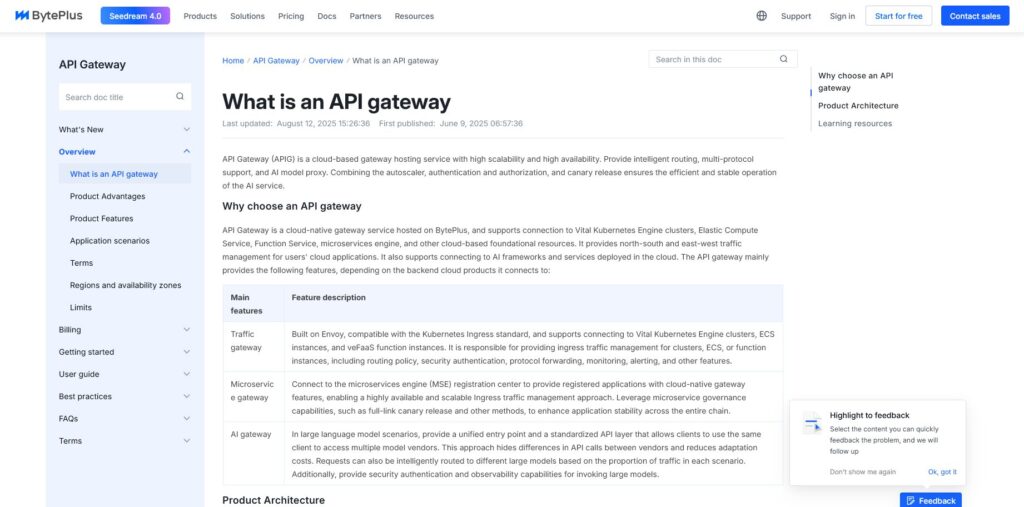
BytePlus API Gateway is an API management/control layer. You bring your services and policies; it provides gateway features like centralized credentials, rate limiting, auth, routing, and API lifecycle controls. That’s governance-first infrastructure—useful when you need perimeter policies and org-level control.
It’s not a transparent model marketplace. It doesn’t focus on multi-provider AI routing with pre-route visibility into price, latency, uptime, availability, and provider type, and it doesn’t exist to grow community supply. If your primary requirement is pre-route transparency and instant failover across many AI providers, you’ll often pair a gateway with an aggregator like ShareAI.
Aggregators vs Gateways vs Agent/Orchestration platforms
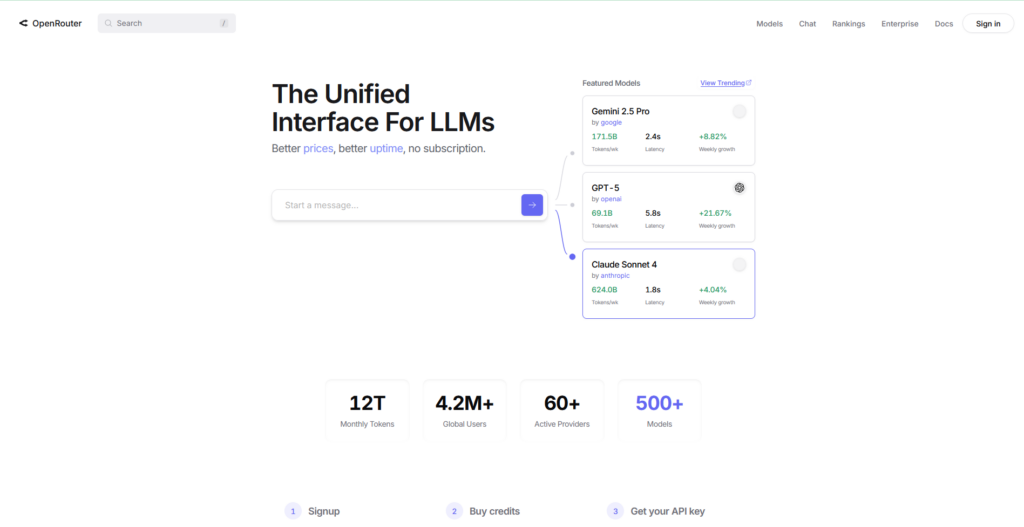
LLM Aggregators (e.g., ShareAI, OpenRouter, Eden AI): One API across many models/providers with pre-route transparency (price, latency, uptime, availability, provider type) and smart routing/failover.
AI/API Gateways (e.g., BytePlus API Gateway, Kong, Portkey, Apache APISIX): Policies/governance at the edge (credentials, quotas, guardrails) plus observability. You bring the providers behind them.
Agent/Orchestration platforms (e.g., Orq, Unify): Packaged UX, tools, memory, flows, and evaluations. Great for assistants or best-model selection; not marketplaces.
How we evaluated the best BytePlus API Gateway alternatives
Community & economics: whether your spend grows supply (incentives for GPU owners/providers)
Top 10 BytePlus API Gateway alternatives
#1 — ShareAI (People-Powered AI API)
What it is. A multi-provider API with a transparent marketplace and smart routing. With one integration, browse a large catalog of models and providers, compare price, latency, uptime, availability, and provider type, then route with instant failover. Economics are people-powered: 70% of every dollar flows to providers (community or company) who keep models online.
Why it’s #1. If you want provider-agnostic aggregation with pre-route transparency and resilience, ShareAI is the most direct fit. Keep a gateway if you need org-wide policies; add ShareAI for marketplace-guided routing.
One API → 150+ models across many providers; no rewrites, no lock-in
Transparent marketplace: choose by price, latency, uptime, availability, provider type
Resilience by default: routing policies + instant failover
Fair economics: 70% of spend goes to providers (community or company)
For providers: earn by keeping models online. Anyone can become a ShareAI provider—Community or Company. Onboard via Windows, Ubuntu, macOS, or Docker. Contribute idle-time bursts or run always-on. Choose your incentive: Rewards (money), Exchange (tokens/AI Prosumer), or Mission (donate a % to NGOs). As you scale, set your own inference prices and gain preferential exposure.
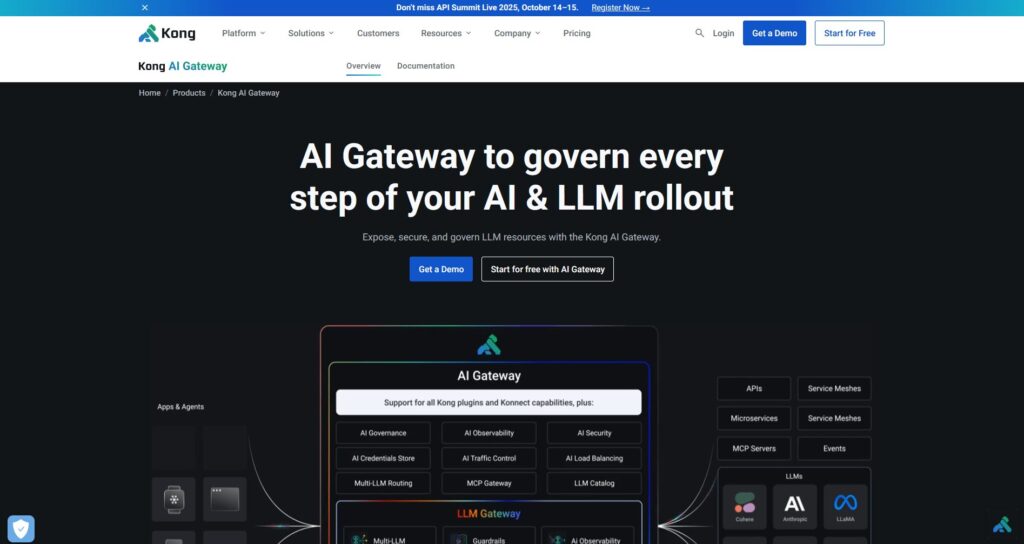
What it is. Enterprise gateway: governance/policies/plugins, analytics, and observability for AI/API traffic. A controller rather than a marketplace.
When to pick it. If you need edge policies across many services and already standardize on Kong, then pair with ShareAI to get marketplace-driven provider choice and failover.
#3 — Portkey
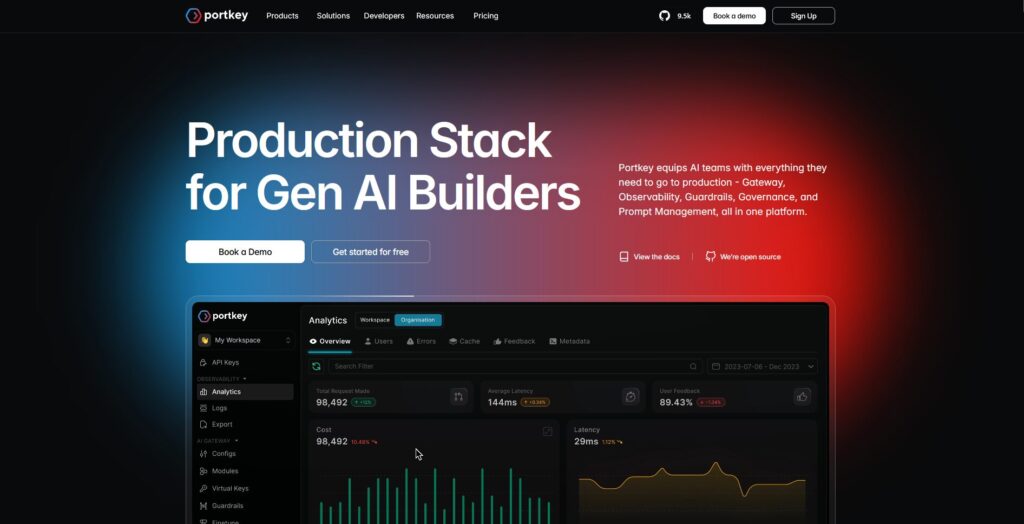
What it is. AI gateway emphasizing observability, guardrails, and governance—popular in regulated workloads.
When to pick it. Strong if your priority is policy enforcement + deep traces; add ShareAI for pre-route transparency and multi-provider resiliency.
#4 — OpenRouter
What it is. Unified API for many models; great for fast experimentation across a wide catalog.
When to pick it. For quick multi-model access; if you also want instant failover and marketplace stats (price/latency/uptime/availability/provider type), layer ShareAI.
#5 — Eden AI
What it is. Aggregates LLMs and broader AI (vision, translation, TTS), with fallbacks and caching.
When to pick it. If you need many AI modalities via a single API; combine with ShareAI for live marketplace visibility and resilient routing.
#6 — LiteLLM
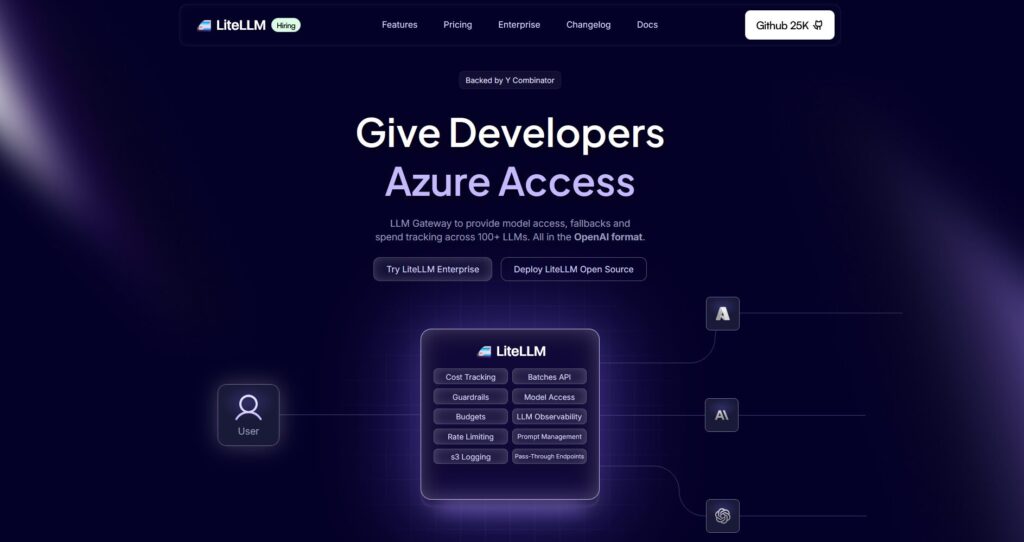
What it is. Lightweight Python SDK + self-hostable proxy speaking OpenAI-compatible interfaces to many providers.
When to pick it. If you prefer DIY control with minimal dependencies. Use ShareAI for managed routing and to avoid operating the proxy on production paths.
#7 — Unify
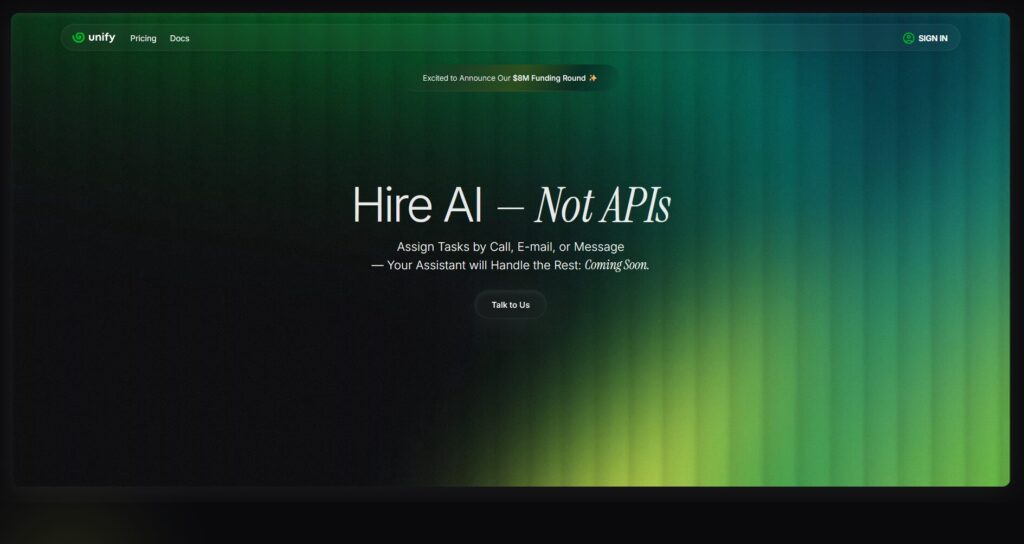
What it is. Quality-oriented routing and evaluation-driven model selection per prompt.
When to pick it. If “best model per prompt” is the goal; complement with ShareAI’s catalog + instant failover.
#8 — Orq AI
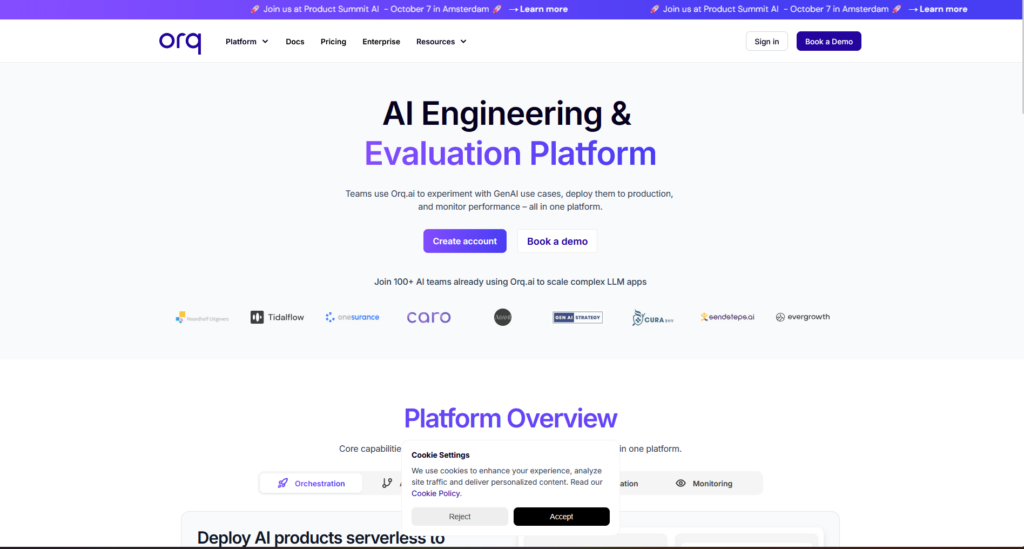
What it is.Orchestration/collaboration platform to help teams move from experiments to production with low-code flows.
When to pick it. If you want flows and team orchestration; route model calls via ShareAI for provider choice and failover.
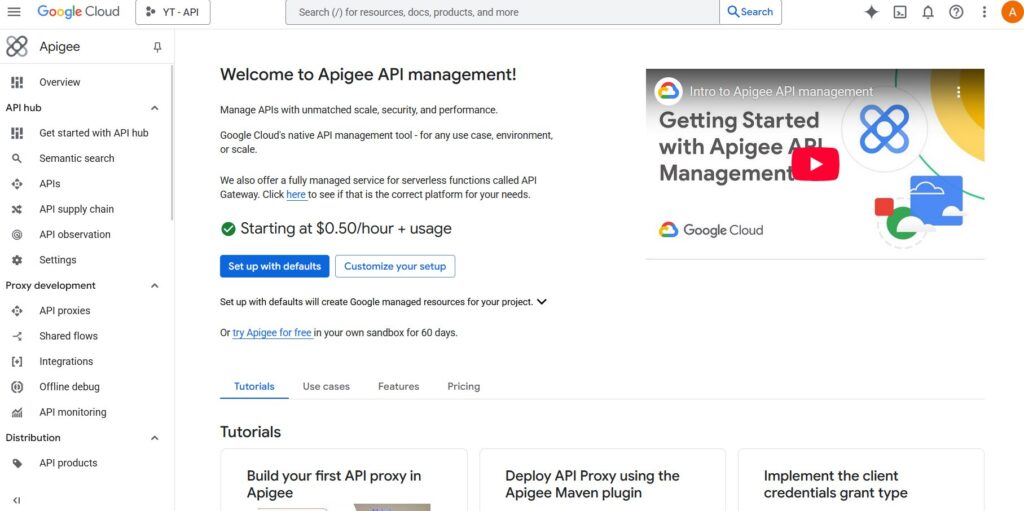
#9 — Apigee (with LLMs behind it)
What it is. Mature API management/gateway that you can place in front of LLM providers for policies/keys/quotas.
When to pick it. If your org standardizes on Apigee; add ShareAI for multi-provider routing and marketplace transparency.
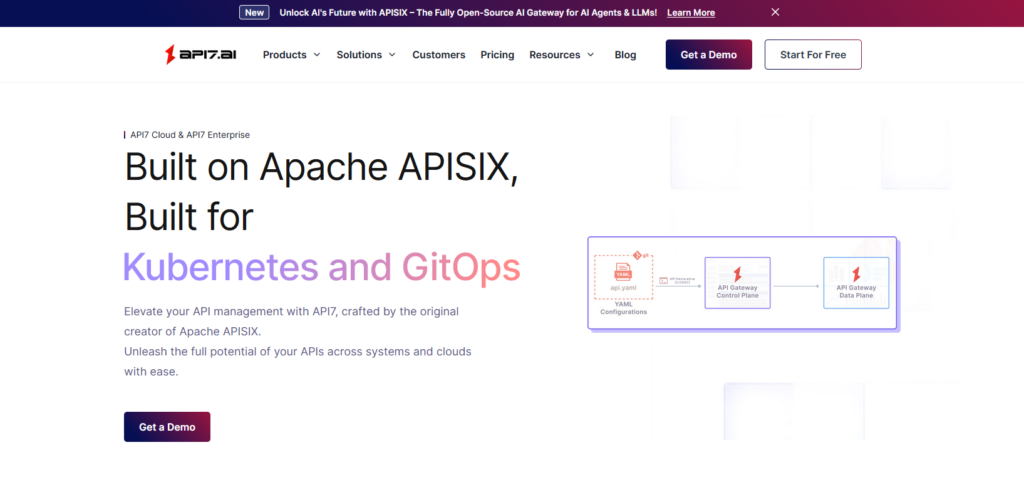
#10 — Apache APISIX
What it is.Open-source API gateway with plugins, traffic policies, and extensibility.
When to pick it. If you want OSS + DIY gateway control; combine with ShareAI for provider-agnostic routing and instant failover without building it all yourself.
BytePlus API Gateway vs ShareAI
If your top requirement is one API over many providers with transparent pricing/latency/uptime/availability and instant failover, choose ShareAI. If your top requirement is egress governance—centralized credentials, policy enforcement, and observability—BytePlus API Gateway fits that lane. Many teams pair them: gateway for org policy + ShareAI for marketplace-guided routing.
Quick comparison
Platform
Who it serves
Model breadth
Governance & security
Observability
Routing / failover
Marketplace transparency
Provider program
ShareAI
Product/platform teams needing one API + fair economics
Pricing & TCO: compare real costs (not just unit prices)
Raw $/1K tokens hides the real picture. TCO shifts with retries/fallbacks, latency (which affects user behavior and costs), provider variance, observability storage, and evaluation runs. A transparent marketplace helps you pick routes that balance cost and UX.
Prototype (~10k tokens/day): Optimize for time-to-first-token (Playground, quickstarts).
Mid-scale (~2M tokens/day): Marketplace-guided routing/failover can trim 10–20% while improving UX.
Spiky workloads: Expect higher effective token costs from retries during failover; budget for it.
Migration guide: moving to ShareAI
From BytePlus API Gateway
Keep gateway-level policies where they shine; add ShareAI for marketplace routing + instant failover. Pattern: gateway auth/policy → ShareAI route per model → measure marketplace stats → tighten policies.
From OpenRouter
Map model names, verify prompt parity, then shadow 10% of traffic and ramp 25% → 50% → 100% as latency/error budgets hold. Marketplace data makes provider swaps straightforward.
From LiteLLM
Replace the self-hosted proxy on routes you don’t want to operate; keep LiteLLM for dev if desired. Compare ops overhead vs. managed routing benefits.
From Unify / Portkey / Orq / Kong / APISIX
Define feature-parity expectations (analytics, guardrails, orchestration, plugins). Many teams run hybrid: keep specialized features where they’re strongest; use ShareAI for transparent provider choice and failover.
Developer quickstart (copy-paste)
The following use an OpenAI-compatible surface. Replace YOUR_KEY with your ShareAI key—create one at Create API Key. See the API Reference for details.
Data retention: where prompts/responses are stored, for how long; redaction defaults
PII & sensitive content: masking; access controls; regional routing for data locality
Observability: prompt/response logging; ability to filter or pseudonymize; propagate trace IDs consistently
Incident response: escalation paths and provider SLAs
FAQ — BytePlus API Gateway vs other competitors
BytePlus API Gateway vs ShareAI — which for multi-provider routing?
ShareAI. It’s built for marketplace transparency (price, latency, uptime, availability, provider type) and smart routing/failover across many providers. BytePlus API Gateway is an egress governance tool (centralized credentials/policy; gateway observability). Many teams use both—policy at the edge + ShareAI for routing.
BytePlus API Gateway vs OpenRouter — gateway controls or quick multi-model access?
OpenRouter makes multi-model access quick; BytePlus centralizes policy and observability. If you also want pre-route transparency and instant failover, ShareAI combines multi-provider access with a marketplace view and resilient routing.
BytePlus API Gateway vs Kong — two gateways
Both are gateways (policies, plugins, analytics), not marketplaces. Many teams pair a gateway with ShareAI for transparent multi-provider routing and failover.
BytePlus API Gateway vs Portkey — who’s stronger on guardrails?
Both emphasize governance and observability; depth and ergonomics differ. If your main need is transparent provider choice and failover, add ShareAI.
BytePlus API Gateway vs LiteLLM — managed gateway vs self-host proxy
LiteLLM is a DIY proxy you operate; BytePlus is managed governance/observability. If you’d rather not run a proxy and want marketplace-driven routing, choose ShareAI.
BytePlus API Gateway vs Unify — policy enforcement vs best-model selection
Unify focuses on evaluation-driven selection; BytePlus on policy/observability. For one API over many providers with live marketplace stats, use ShareAI.
BytePlus API Gateway vs Orq — orchestration vs egress
Orq helps orchestrate workflows; BytePlus governs egress traffic. ShareAI complements either with marketplace routing.
BytePlus API Gateway vs Apigee — broad API management vs AI-specific egress
Apigee is broader API management; BytePlus is AI-skewed egress governance (when used that way). If you need provider-agnostic access with marketplace transparency, use ShareAI.
BytePlus API Gateway vs Apache APISIX — turnkey vs OSS DIY
APISIX offers OSS plugins/policies; BytePlus offers a managed layer with gateway integrations. To avoid building custom routing yet get transparent provider selection, add ShareAI.
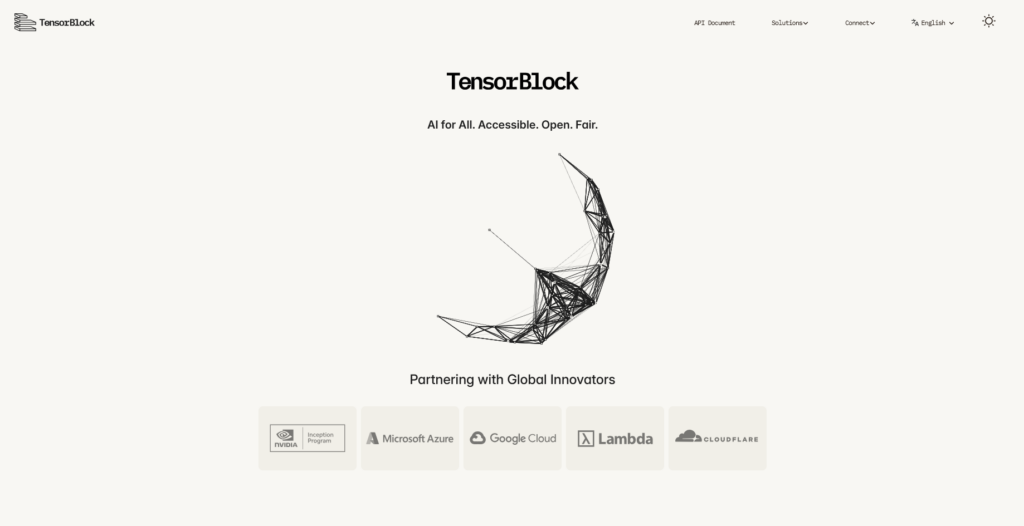
If you’re searching for a TensorBlock Forge alternatives, this guide compares the 10 best options the way a builder would. First, we clarify what TensorBlock Forge is—then we map credible substitutes across aggregators, gateways, orchestration tools, and SDK proxies. We place ShareAI first for teams that want one API across many providers, transparent marketplace data (price, latency, uptime, availability, provider type) before routing, instant failover, and people-powered economics (70% of spend flows to providers).
TensorBlock Forge presents itself as a unified AI API that helps developers access and orchestrate models across providers with one secure key, emphasizing intelligent routing, enterprise-grade encryption, automated failover, and real-time cost control. That’s a control-and-routing layer for multi-provider LLM use—not a transparent model marketplace you can browse before you route.
Aggregators vs Gateways vs Orchestrators vs SDK proxies
LLM aggregators (e.g., ShareAI, OpenRouter, Eden AI): one API across many models/providers with pre-route transparency (price, latency, uptime, availability, provider type) and smart routing/failover.
AI gateways (e.g., Traefik AI Gateway, Kong, Apache APISIX, Apigee): policy/governance at the edge (credentials, rate limits, guardrails), plus observability. You bring the providers; they enforce and observe.
Agent/orchestration platforms (e.g., Orq, Unify): flow builders, quality evaluation, and collaboration to move from experiments to production.
SDK proxies (e.g., LiteLLM): a lightweight proxy/OpenAI-compatible surface that maps to many providers; great for DIYers and self-hosting.
Where Forge fits: “Unified API with routing & control” overlaps parts of aggregator and gateway categories, but it’s not a transparent, neutral marketplace that exposes live price/latency/uptime/availability before you route traffic.
How we evaluated the best TensorBlock Forge alternatives
Model breadth & neutrality — proprietary + open models; easy switching without rewrites.
Community & economics — whether your spend grows supply (incentives for GPU owners and companies).
Top 10 TensorBlock Forge alternatives
#1 — ShareAI (People-Powered AI API)
What it is. A multi-provider API with a transparent marketplace and smart routing. With one integration, you can browse a broad catalog of models and providers, compare price, latency, uptime, availability, provider type, and route with instant failover. The economics are people-powered: 70% of every dollar flows to providers (community or company) who keep models online.
Why it’s #1 here. If you want provider-agnostic aggregation with pre-route transparency and resilience, ShareAI is the most direct fit. Keep a gateway if you need org-wide policies; add ShareAI for marketplace-guided routing.
One API → large catalog across many providers; no rewrites, no lock-in.
Transparent marketplace: choose by price, latency, uptime, availability, provider type.
Resilience by default: routing policies + instant failover.
Fair economics: 70% of spend goes to providers (community or company).
For providers: earn by keeping models online. Onboard via Windows, Ubuntu, macOS, or Docker. Contribute idle-time bursts or run always-on. Choose your incentive: Rewards (money), Exchange (tokens/AI Prosumer), or Mission (donate a % to NGOs). As you scale, you can set your own inference prices and gain preferential exposure.
What it is. A unified API over many models; great for fast experimentation across a wide catalog.
Best for. Developers who want to try many models quickly with a single key.
Why consider vs Forge. Broader model variety out of the box; pair with ShareAI for marketplace stats and failover.
#3 — Portkey
What it is. An AI gateway emphasizing observability, guardrails, and enterprise governance.
Best for. Regulated industries needing deep policy controls.
Why consider vs Forge. If governance and observability are your top priorities, Portkey shines; add ShareAI for transparent routing.
#4 — Kong AI Gateway
What it is. Enterprise API gateway with AI/LLM traffic features—policies, plugins, analytics at the edge.
Best for. Platform teams standardizing egress controls.
Why consider vs Forge. Strong edge governance; pair with ShareAI for marketplace-guided multi-provider selection.
#5 — Eden AI
What it is. An aggregator that covers LLMs plus broader AI (image, translation, TTS), with fallbacks and caching.
Best for. Teams that need multi-modality in one API.
Why consider vs Forge. Wider AI surface area; ShareAI remains stronger on transparency before routing.
#6 — LiteLLM
What it is. A lightweight Python SDK and optional self-hosted proxy exposing an OpenAI-compatible interface across providers.
Best for. DIY builders who want a proxy in their stack.
Why consider vs Forge. Familiar OpenAI surface and developer-centric config; pair with ShareAI to offload managed routing and failover.
#7 — Unify
What it is.Quality-oriented routing & evaluation to pick better models per prompt.
Best for. Teams pursuing measurable quality gains (win rate) across prompts.
Why consider vs Forge. If “pick the best model” is the goal, Unify’s evaluation tooling is the focus; add ShareAI when you also want live marketplace stats and multi-provider reliability.
#8 — Orq
What it is.Orchestration & collaboration platform to move from experiments to production with low-code flows.
Best for. Teams building workflows/agents that span multiple tools and steps.
Why consider vs Forge. Go beyond an API layer into orchestrated flows; pair with ShareAI for neutral access and failover.
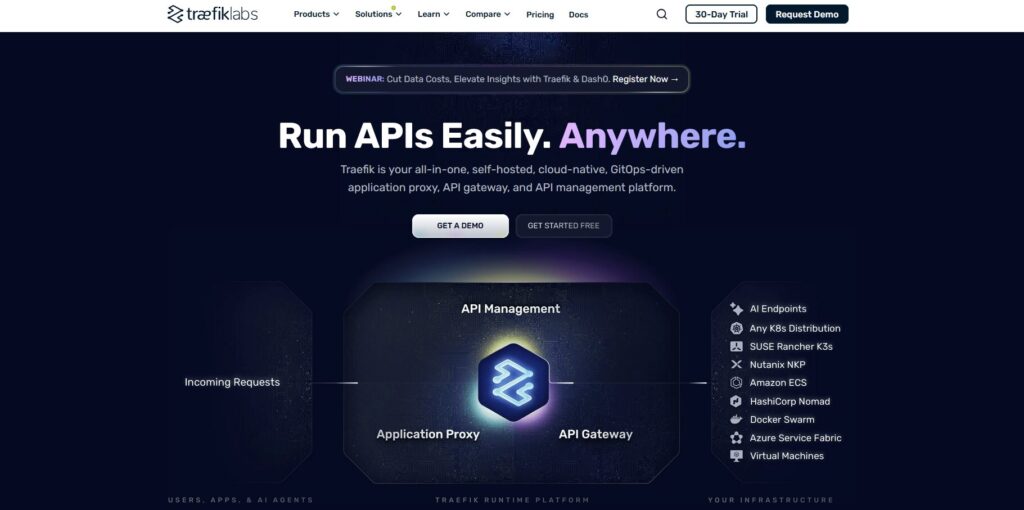
#9 — Traefik AI Gateway
What it is. A governance-first gateway—centralized credentials and policy with OpenTelemetry-friendly observability and specialized AI middlewares (e.g., content controls, caching).
Best for. Orgs standardizing egress governance on top of Traefik.
Why consider vs Forge. Thin AI layer atop a proven gateway; add ShareAI to choose providers by price/latency/uptime/availability and route resiliently.
#10 — Apache APISIX
What it is. A high-performance open-source API gateway with extensible plugins and traffic policies.
Best for. Teams that prefer open-source DIY gateway control.
Why consider vs Forge. Fine-grained policy and plugin model; add ShareAI to get marketplace transparency and multi-provider failover.
TensorBlock Forge vs ShareAI
If you need one API over many providers with transparent pricing/latency/uptime/availability and instant failover, choose ShareAI. If your top requirement is egress governance—centralized credentials, policy enforcement, and deep observability—Forge positions itself closer to control-layer tooling. Many teams pair them: gateway/control for org policy + ShareAI for marketplace-guided routing.
Quick comparison
Platform
Who it serves
Model breadth
Governance & security
Observability
Routing / failover
Marketplace transparency
Provider program
ShareAI
Product/platform teams seeking one API + fair economics
Pricing & TCO: compare real costs (not just unit prices)
Raw dollars per 1K tokens rarely tell the whole story. Effective TCO shifts with retries/fallbacks, latency (affects user behavior), provider variance, observability storage, and evaluation runs. A transparent marketplace helps you choose routes that balance cost and UX.
Prototype (~10k tokens/day): Optimize for time-to-first-token. Use the Playground and quickstarts.
Mid-scale (~2M tokens/day): Marketplace-guided routing/failover can trim 10–20% while improving UX.
Spiky workloads: Expect higher effective token costs from retries during failover; budget for it.
Migration guide: moving to ShareAI
From TensorBlock Forge
Keep any control-layer policies where they shine; add ShareAI for marketplace routing and instant failover. Pattern: control-layer auth/policy → ShareAI route per model → measure marketplace stats → tighten policies.
From OpenRouter
Map model names, verify prompt parity, then shadow 10% of traffic and ramp 25% → 50% → 100% as latency/error budgets hold. Marketplace data makes provider swaps straightforward.
From LiteLLM
Replace the self-hosted proxy on production routes you don’t want to operate; keep LiteLLM for dev if desired. Compare ops overhead vs. managed routing benefits.
From Unify / Portkey / Orq / Kong / Traefik / APISIX
Define feature-parity expectations (analytics, guardrails, orchestration, plugins). Many teams run hybrid: keep specialized features where they’re strongest; use ShareAI for transparent provider choice and resilient failover.
Developer quickstart (copy-paste)
The following use an OpenAI-compatible surface. Replace YOUR_KEY with your ShareAI key—get one at Create API Key.
Data retention — where prompts/responses are stored, for how long; redaction defaults.
PII & sensitive content — masking; access controls; regional routing for data locality.
Observability — prompt/response logging; ability to filter or pseudonymize; propagate trace IDs consistently.
Incident response — escalation paths and provider SLAs.
FAQ — TensorBlock Forge vs other competitors
TensorBlock Forge vs ShareAI — which for multi-provider routing? Choose ShareAI. It’s built for marketplace transparency (price, latency, uptime, availability, provider type) and resilient routing/failover across many providers. Use a gateway/control layer when org-wide policy/observability is your top need, and pair it with ShareAI for transparent provider choice.
TensorBlock Forge vs OpenRouter — quick multi-model access or marketplace transparency? OpenRouter makes multi-model access quick; ShareAI adds pre-route transparency and instant failover. If you want to choose routes by hard data (price/latency/uptime/availability), ShareAI leads.
TensorBlock Forge vs Eden AI — many AI services or focused LLM routing? Eden AI covers LLMs plus vision/translation/TTS. If you mainly need transparent provider choice and robust failover for LLMs, ShareAI fits better.
TensorBlock Forge vs LiteLLM — self-host proxy or managed routing? LiteLLM is a DIY proxy you operate. ShareAI provides managed aggregation with marketplace stats and instant failover—no proxy to run.
TensorBlock Forge vs Portkey — who’s stronger on guardrails/observability? Portkey emphasizes governance and deep traces. If you also want price/latency transparency and resilient multi-provider routing, add ShareAI.
TensorBlock Forge vs Kong AI Gateway — gateway controls or marketplace? Kong is a strong policy/analytics gateway. ShareAI is the marketplace/aggregation layer that picks providers based on live data and fails over instantly.
TensorBlock Forge vs Traefik AI Gateway — egress governance or routing intelligence? Traefik focuses on centralized credentials and observability. ShareAI excels at provider-agnostic routing with marketplace transparency—many teams use both.
TensorBlock Forge vs Unify — quality-driven selection or marketplace routing? Unify focuses on evaluation-driven best-model selection. ShareAI adds marketplace stats and multi-provider reliability; they complement each other.
TensorBlock Forge vs Orq — orchestration vs routing? Orq orchestrates flows and agents; ShareAI gives you the neutral provider layer with transparent stats and failover.
TensorBlock Forge vs Apache APISIX — open-source gateway vs transparent marketplace? APISIX gives DIY policies/plugins. ShareAI provides pre-route transparency and managed failover; pair both if you want fine-grained gateway control with marketplace-guided routing.
TensorBlock Forge vs Apigee — API management vs AI-specific routing? Apigee is broad API management. For AI use, ShareAI adds the marketplace view and multi-provider resilience that Apigee alone doesn’t provide.
TensorBlock site overview and positioning: tensorblock.co
Google Apigee Alternatives 2026: Top 10
Updated September 2026
If you’re evaluating Google Apigee alternatives, this guide maps the landscape like a builder would. First, we clarify what Apigee is—Google Cloud’s enterprise API management platform with API proxies, a deep policy catalog (auth, quotas, transformation), analytics, and hybrid deployment—then we compare the 10 best options for AI/LLM traffic and modern API programs. We place ShareAI first for teams that want one API across many providers, a transparent marketplace (price, latency, uptime, availability, provider type) before routing, instant failover, and people-powered economics where 70% of spend flows to providers. Apigee remains compelling for full-spectrum API management and governance; it’s not a provider-agnostic model marketplace nor a multi-provider router.
What Google Apigee is (and isn’t)
Apigee is Google Cloud’s fully managed API management product. You front backends with API proxies, apply dozens of prebuilt policies (security, rate limiting, transformation), publish developer portals, analyze traffic, and (optionally) run in hybrid mode with an Apigee-hosted management plane plus a runtime you operate on Kubernetes. In an AI gateway context, teams commonly place LLM providers behind Apigee for centralized keys, quotas, and observability. But Apigee isn’t a neutral model marketplace or a smart multi-provider router—you bring the providers; Apigee supplies governance and analytics.
If you want the official primer later, start with the Apigee product page and “What is Apigee?” overview.
Aggregators vs Gateways vs Agent/Orchestration platforms
LLM aggregators (e.g., ShareAI, OpenRouter, Eden AI) – One API across many models/providers with pre-route transparency (price, latency, uptime, availability, provider type) and resilient routing/failover baked in. ShareAI also emphasizes people-powered economics (70% to providers) and catalog breadth (150+ models).
AI/API gateways (e.g., Apigee, Kong, Traefik AI Gateway, Apache APISIX, NGINX, Portkey) – Centralize credentials, policies, quotas, and observability at the edge; you bring providers. Apigee lives here; it’s API-program-centric, not a model marketplace.
Agent/orchestration platforms (e.g., Orq, Unify) – Packaged flows, tools, evals, and collaboration—great for experiments and production orchestration, not for provider-agnostic routing.
TL;DR: If you need marketplace-guided model choice and instant failover, choose an aggregator. If you need enterprise policy, governance, analytics, and portals, choose a gateway. Many production teams pair both.
How we evaluated the best Google Apigee alternatives
Model breadth & neutrality: proprietary + open; quick swapping; no rewrites.
Community & economics: whether your spend grows supply (incentives for GPU owners).
Top 10 Google Apigee alternatives
#1 — ShareAI (People-Powered AI API)
What it is. A multi-provider API with a transparent marketplace and smart routing. With one integration, browse a large catalog of models and providers, compare price, latency, uptime, availability, provider type, and route with instant failover. Economics are people-powered: 70% of every dollar flows to providers (community or company) who keep models online.
Why it’s #1 here. If you want provider-agnostic aggregation with pre-route transparency and resilience, ShareAI is the most direct fit. Keep Apigee if you need org-wide API program features (policy catalog, analytics, portals); add ShareAI for marketplace-guided routing.
One API → 150+ models across many providers; no rewrites, no lock-in.
Transparent marketplace: choose by price, latency, uptime, availability, provider type.
Resilience by default: routing policies + instant failover.
Fair economics: 70% of spend goes to providers (community or company).
For providers: earn by keeping models online Anyone can become a ShareAI provider—Community or Company. Onboard via Windows, Ubuntu, macOS, or Docker. Contribute idle-time bursts or run always-on. Choose your incentive: Rewards (money), Exchange (tokens/AI Prosumer), or Mission (donate a % to NGOs). As you scale, you can set your own inference prices and gain preferential exposure. Start in the Provider Guide or manage devices via the Provider Dashboard.
#2 — Kong AI Gateway
What it is. Enterprise gateway for governance, policies/plugins, analytics, and observability at the edge. It’s a control plane rather than a marketplace.
#3 — Portkey
What it is. AI gateway emphasizing observability, guardrails, and governance—often chosen for regulated workloads.
#4 — OpenRouter
What it is. Aggregator with a wide model catalog and a unified API; great for rapid experimentation across providers.
#5 — Eden AI
What it is. Aggregates LLMs plus broader AI capabilities (vision, translation, TTS) with fallbacks/caching and batching.
#6 — LiteLLM
What it is. Lightweight Python SDK + self-hostable proxy that speaks an OpenAI-compatible interface to many providers.
#7 — Unify
What it is.Quality-oriented routing and evaluation to pick better models per prompt.
#8 — Orq
What it is.Orchestration/collaboration platform helping teams move from experiments to production with low-code flows.
#9 — Apache APISIX
What it is.Open-source API gateway (plugins, traffic control, policies). You bring providers; APISIX enforces gateway behavior.
#10 — NGINX
What it is. DIY approach: build routing, token enforcement, and caching for LLM backends with high-performance primitives.
Apigee vs ShareAI
If you need one API over many providers with transparent price/latency/uptime and instant failover, choose ShareAI. If your top requirement is enterprise API management—centralized credentials, policy enforcement, analytics, hybrid/multicloud—Apigee fits that lane. Many teams pair them: Apigee for org policy & developer portals, ShareAI for marketplace-guided routing and resilience.
Quick comparison (at a glance)
Platform
Who it serves
Model breadth
Governance & security
Observability
Routing / failover
Marketplace transparency
Provider program
ShareAI
Product/platform teams needing one API + fair economics
Apigee’s strengths in policy libraries, analytics, portals, and the hybrid runtime are well known; multi-provider marketplace transparency and routing live with aggregators like ShareAI.
Pricing & TCO: compare real costs (not just unit prices)
Raw $/1K tokens hides the real picture. TCO shifts with retries/fallbacks, latency (which changes usage), provider variance, observability storage, and evaluation runs. A transparent marketplace helps you choose routes that balance cost and UX.
Prototype (~10k tokens/day): Optimize for time-to-first-token (use the Open Playground and quickstarts).
Mid-scale (~2M tokens/day):Marketplace-guided routing + failover can trim 10–20% while improving UX.
Spiky workloads: Expect higher effective token costs from retries during failover; budget for it.
Migration guide: moving to ShareAI
From Apigee Keep Apigee where it shines (policy, governance, portals, analytics); add ShareAI for marketplace routing + instant failover. Pattern: Apigee auth/policy → ShareAI route per model → monitor marketplace stats → tighten policies.
From OpenRouter Map model names, verify prompt parity; shadow 10% of traffic and ramp 25% → 50% → 100% as latency/error budgets hold. Marketplace data makes provider swaps straightforward.
From LiteLLM Replace the self-hosted proxy on production routes you don’t want to operate; keep LiteLLM for dev if desired. Compare ops overhead vs. managed routing benefits.
From Unify / Portkey / Orq / Kong / APISIX / NGINX Define feature-parity expectations (analytics, guardrails, orchestration, plugins). Many teams run hybrid: keep specialized features where they’re strongest; use ShareAI for transparent provider choice and failover.
Developer quickstart (copy-paste)
The following use an OpenAI-compatible surface. Replace YOUR_KEY with your ShareAI key—create one at Create API Key. See the API Reference for details.
Data retention: where prompts/responses are stored; retention window; redaction defaults.
PII & sensitive content: masking; access controls; regional routing for data locality.
Observability: prompt/response logging; ability to filter or pseudonymize; propagate trace IDs consistently.
Incident response: escalation paths and provider SLAs.
FAQ — Apigee vs other competitors (plus competitor-vs-competitor variants)
Apigee vs ShareAI — which for multi-provider routing?
ShareAI. It’s built for marketplace transparency (price, latency, uptime, availability, provider type) and smart routing/failover across many providers. Apigee is an API management platform (policies, analytics, hybrid, portals). Many teams use both.
Apigee vs OpenRouter — quick multi-model access or gateway controls?
OpenRouter makes multi-model access quick; Apigee centralizes policy and observability. If you also want pre-route transparency and instant failover, ShareAI combines multi-provider access with a marketplace view and resilient routing.
Apigee vs LiteLLM — self-host proxy or managed governance?
LiteLLM is a DIY proxy you operate; Apigee offers managed governance/observability for any API traffic. If you’d rather not run a proxy and you want marketplace-driven routing, choose ShareAI.
Apigee vs Portkey — who’s stronger on guardrails?
Both emphasize governance/observability; depth and ergonomics differ. If your main need is transparent provider choice and failover, add ShareAI.
Apigee vs Unify — best-model selection vs policy enforcement?
Unify focuses on evaluation-driven model selection; Apigee on policy and analytics. For one API over many providers with live marketplace stats, use ShareAI.
Apigee vs Eden AI — many AI services or egress control?
Eden AI aggregates multiple AI services (LLM, image, TTS). Apigee centralizes policy/credentials and analytics. For transparent pricing/latency across many providers and instant failover, choose ShareAI.
Apigee vs Orq — orchestration vs egress?
Orq helps orchestrate workflows; Apigee governs egress traffic and developer portals. ShareAI complements either with marketplace routing.
Apigee vs Kong AI Gateway — two gateways
Both are gateways (policies, plugins, analytics), not marketplaces. Many teams pair a gateway with ShareAI for transparent multi-provider routing and failover.
Apigee vs Apache APISIX — open-source gateway or managed platform?
APISIX is open-source and plugin-driven; Apigee is fully managed with deep enterprise features (policies, analytics, hybrid). If you also need provider-neutral model access and smart routing, add ShareAI.
Apigee vs NGINX — DIY vs turnkey
NGINX offers DIY filters/policies; Apigee offers a packaged platform layer with analytics and portals. To avoid custom scripting and still get transparent provider selection, layer in ShareAI.
OpenRouter vs Apache APISIX (competitor-vs-competitor)
Apples and oranges: OpenRouter is an aggregator (one API over many models), while APISIX is a gateway. For marketplace transparency + multi-provider routing, ShareAI outshines both by pairing catalog + routing + failover—and it can sit behind gateways like APISIX when you want edge policy plus smart model selection.
Kong vs Portkey (competitor-vs-competitor)
Both are gateways with governance/observability; Kong has a mature plugin ecosystem, while Portkey emphasizes AI-specific guardrails and deep traces. Either way, ShareAI supplies pre-route transparency and resilient routing beyond gateway scope.
Traefik AI Gateway vs Apigee (competitor-vs-competitor)
Both are gateways; Traefik AI Gateway adds a thin AI layer and specialized middlewares, while Apigee is a comprehensive API management suite with hybrid, portals, and analytics. Many teams use ShareAI for the marketplace and instant failover piece.
LiteLLM vs NGINX (competitor-vs-competitor)
LiteLLM = self-host proxy; NGINX = DIY gateway primitives. If you don’t want to operate infra and still need provider-agnostic access with smart routing, ShareAI is simpler.
Unify vs Eden AI (competitor-vs-competitor)
Unify focuses on evaluation-driven best-model selection; Eden AI spans many AI service types. ShareAI complements either with a transparent marketplace and instant failover across providers.
Where ShareAI fits next
Explore models: Compare pricing, latency, uptime, availability, and provider type in Browse Models.
Try now: Send your first prompt in the Open Playground (no SDK required).
If you’re evaluating AWS AppSync alternatives, this guide maps the landscape the way a builder would. First, we clarify what AppSync is—a fully managed GraphQL service that connects to AWS data sources (DynamoDB, Lambda, Aurora, OpenSearch, HTTP), supports real-time subscriptions over WebSockets, and is often used as an “AI gateway” pattern in front of Amazon Bedrock—then we compare the 10 best alternatives. We place ShareAI first for teams that want one API across many providers, a transparent marketplace with price/latency/uptime/availability before routing, instant failover, and people-powered economics (70% of spend goes to providers).
What AWS AppSync is (and isn’t)
What AppSync is. AppSync is AWS’s managed GraphQL layer: it parses queries and mutations, resolves fields against configured data sources (DynamoDB, Lambda, Aurora, OpenSearch, HTTP), and can push updates in real time using GraphQL subscriptions over secure WebSockets. It also offers JavaScript resolvers so you can author resolver logic in familiar JS. In AI apps, many teams front Amazon Bedrock with AppSync—handling auth and throttling in GraphQL while streaming tokens to clients via subscriptions.
What AppSync isn’t. It’s not a model marketplace and it doesn’t unify access to many third-party AI providers under one API. You bring AWS services (and Bedrock). For multi-provider routing (pre-route transparency; failover across providers), pair or replace with an aggregator like ShareAI.
Why you hear “AI gateway for Bedrock.” AppSync’s GraphQL + WebSockets + resolvers make it a natural egress/governance layer in front of Bedrock for both synchronous and streaming workloads. You keep GraphQL as your client contract while invoking Bedrock in your resolvers or functions.
Aggregators vs Gateways vs Agent platforms
LLM aggregators (ShareAI, OpenRouter, Eden AI, LiteLLM): one API across many models/providers with pre-route transparency (price, latency, uptime, availability, provider type) and smart routing/failover.
AI gateways (Kong AI Gateway, Portkey, AppSync-as-gateway, Apigee/NGINX/APISIX/Tyk/Azure APIM/Gravitee): governance at the edge (keys, quotas, guardrails), observability, and policy — you bring providers.
Agent/chatbot platforms (Unify, Orq): packaged evaluation, tools, memory, channels—geared to app logic rather than provider-agnostic aggregation.
In practice, many teams run both: a gateway for org policy + ShareAI for marketplace-guided routing and resilience.
How we evaluated the best AppSync alternatives
Model breadth & neutrality: proprietary + open; easy switching; no rewrites.
Community & economics: whether your spend grows supply (incentives for GPU owners/providers).
Top 10 AWS AppSync alternatives
#1 — ShareAI (People-Powered AI API)
What it is. A multi-provider API with a transparent marketplace and smart routing. With one integration, browse a large catalog of models and providers; compare price, latency, uptime, availability, provider type; and route with instant failover. Economics are people-powered: 70% of every dollar flows to providers (community or company) who keep models online.
Why it’s #1 here. If you want provider-agnostic aggregation with pre-route transparency and resilience, ShareAI is the most direct fit. Keep a gateway if you need org-wide policies; add ShareAI for marketplace-guided routing.
One API → 150+ models across many providers; no rewrites, no lock-in.
Transparent marketplace: choose by price, latency, uptime, availability, provider type.
Resilience by default: routing policies + instant failover.
Fair economics: 70% of spend goes to providers (community or company).
For providers: earn by keeping models online. Onboard via Windows, Ubuntu, macOS, Docker; contribute idle-time bursts or run always-on. Choose your incentive: Rewards (money), Exchange (tokens/AI Prosumer), or Mission (donate a % to NGOs). As you scale, you can set inference prices and gain preferential exposure. Provider Guide · Provider Dashboard
#2 — Kong AI Gateway
What it is. Enterprise AI/LLM gateway—governance, plugins/policies, analytics, and observability for AI traffic at the edge. It’s a control plane rather than a marketplace.
#3 — Portkey
What it is. AI gateway emphasizing guardrails, governance, and deep observability—popular in regulated environments.
#4 — OpenRouter
What it is. A unified API over many models; great for fast experimentation across a wide catalog.
#5 — Eden AI
What it is. Aggregates LLMs plus broader AI (image, translation, TTS), with fallbacks/caching and batching.
#6 — LiteLLM
What it is. A lightweight Python SDK + self-hostable proxy that speaks an OpenAI-compatible interface to many providers.
#7 — Unify
What it is. Evaluation-driven routing and model comparison to pick better models per prompt.
#8 — Orq AI
What it is. Orchestration/collaboration platform that helps teams move from experiments to production with low-code flows.
#9 — Apigee (with LLMs behind it)
What it is. A mature API management platform you can place in front of LLM providers to apply policies, keys, and quotas.
#10 — NGINX
What it is. Use NGINX to build custom routing, token enforcement, and caching for LLM backends if you prefer DIY control.
These are directional summaries to help you shortlist. For model catalogs, live pricing, or provider traits, browse the ShareAI marketplace and route based on real-time price/latency/uptime/availability.
AWS AppSync vs ShareAI
If you need one API over many providers with transparent pricing/latency/uptime and instant failover, choose ShareAI. If your top requirement is egress governance and AWS-native GraphQL with real-time subscriptions, AppSync fits that lane—especially when fronting Amazon Bedrock workloads. Many teams pair them: gateway for org policy + ShareAI for marketplace routing.
Quick comparison
Platform
Who it serves
Model breadth
Governance & security
Observability
Routing / failover
Marketplace transparency
Provider program
ShareAI
Product/platform teams needing one API + fair economics
Teams wanting AWS-native GraphQL + real-time + Bedrock integration
BYO (Bedrock, AWS data services)
Centralized auth/keys in AWS
CloudWatch/OTel-friendly patterns
Conditional fan-out via resolvers/subscriptions
No (infra tool, not a marketplace)
n/a
Kong AI Gateway
Enterprises needing gateway-level policy
BYO
Strong edge policies/plugins
Analytics
Proxy/plugins, retries
No (infra)
n/a
OpenRouter
Devs wanting one key to many models
Wide catalog
Basic API controls
App-side
Fallbacks
Partial
n/a
(Abridged table. Use the ShareAI marketplace to compare live price/latency/availability across providers.)
Pricing & TCO: compare real costs (not just unit prices)
Raw $/1K tokens hides reality. TCO shifts with retries/fallbacks, latency (affecting usage), provider variance, observability storage, and evaluation runs. A transparent marketplace helps you choose routes that balance cost and UX.
Prototype (~10k tokens/day): optimize for time-to-first-token (Playground, quickstarts).
Mid-scale (~2M tokens/day): marketplace-guided routing/failover can trim 10–20% while improving UX.
Spiky workloads: expect higher effective token costs from retries during failover; budget for it.
Migration notes: moving to ShareAI
From AWS AppSync (as gateway for Bedrock): Keep gateway-level policies where they shine; add ShareAI for marketplace routing + instant failover across multiple providers. Pattern: AppSync auth/policy → ShareAI per-model route → measure marketplace stats → tighten policies.
From OpenRouter: Map model names, verify prompt parity; shadow 10% of traffic and ramp 25% → 50% → 100% as latency/error budgets hold.
From LiteLLM: Replace the self-hosted proxy on production routes you don’t want to operate; keep LiteLLM for dev if desired. Compare ops overhead vs. managed routing benefits.
From Unify / Portkey / Orq / Kong: Define feature-parity expectations (analytics, guardrails, orchestration, plugins). Many teams run hybrid: keep specialized features where they’re strongest; use ShareAI for transparent provider choice and failover.
Developer quickstart (copy-paste)
The following use an OpenAI-compatible surface. Replace YOUR_KEY with your ShareAI key—get one at Create API Key. See the API Reference for details.
Data retention: where prompts/responses are stored, how long; redaction defaults.
PII & sensitive content: masking; access controls; regional routing for data locality.
Observability: prompt/response logging; ability to filter or pseudonymize; propagate trace IDs consistently.
Incident response: escalation paths and provider SLAs.
FAQ — AWS AppSync vs other competitors
AWS AppSync vs ShareAI — which for multi-provider routing? ShareAI. It’s built for marketplace transparency (price, latency, uptime, availability, provider type) and smart routing/failover across many providers. AppSync is AWS-native GraphQL with Bedrock integrations and subscriptions. Many teams use both: AppSync for GraphQL/policy; ShareAI for provider-agnostic access and resilience.
AWS AppSync vs OpenRouter — quick multi-model access or GraphQL controls? OpenRouter makes multi-model access quick; AppSync centralizes policy and real-time GraphQL subscriptions on AWS. If you also want pre-route transparency and instant failover across providers, add ShareAI behind your API.
AWS AppSync vs LiteLLM — self-host proxy or managed GraphQL? LiteLLM is a DIY proxy/SDK; AppSync is managed GraphQL with WebSocket subscriptions and AWS data-source integrations. For marketplace-driven provider choice and failover, route via ShareAI.
AWS AppSync vs Portkey — who’s stronger on guardrails? Both emphasize governance; ergonomics differ. If your main need is transparent provider choice and failover across multiple vendors, add ShareAI.
AWS AppSync vs Unify — evaluation-driven selection vs GraphQL egress? Unify focuses on evaluation-driven model selection; AppSync focuses on GraphQL egress + AWS integrations. For one API over many providers with live marketplace stats, choose ShareAI.
AWS AppSync vs Orq — orchestration vs GraphQL? Orq orchestrates flows; AppSync is a GraphQL data-access layer with real-time + Bedrock ties. Use ShareAI for transparent provider selection and failover.
AWS AppSync vs Apigee — API management vs AI-specific GraphQL? Apigee is broad API management; AppSync is AWS’s GraphQL service with subscriptions and AWS service integrations. If you want provider-agnostic access with marketplace transparency, plug in ShareAI.
AWS AppSync vs NGINX — DIY vs turnkey? NGINX offers DIY filters and policies; AppSync offers a managed GraphQL layer with WebSockets/subscriptions. To avoid low-level plumbing and still get transparent provider selection, route via ShareAI.
AWS AppSync vs Kong AI Gateway — two gateways Both are gateways (policies, plugins, analytics), not marketplaces. Many teams pair a gateway with ShareAI for transparent multi-provider routing and failover.
AWS AppSync vs Apache APISIX — GraphQL vs API gateway APISIX is a powerful API gateway for policies and routing; AppSync is managed GraphQL for AWS data + Bedrock. For model neutrality and live price/latency/uptime comparisons, add ShareAI.
AWS AppSync vs Tyk — policy engine vs GraphQL resolver layer Tyk centralizes policies/quotas/keys; AppSync centralizes GraphQL and real-time delivery. For provider-agnostic AI routing and instant failover, choose ShareAI.
AWS AppSync vs Azure API Management — cloud choice Azure APIM is Microsoft’s enterprise gateway; AppSync is AWS’s GraphQL service. If you also want multi-provider AI with marketplace transparency, use ShareAI.
AWS AppSync vs Gravitee — open-source gateway vs managed GraphQL Gravitee is an API gateway with policies, analytics, and events; AppSync is purpose-built for GraphQL + realtime. For pre-route price/latency/uptime visibility and failover, add ShareAI.
When AppSync shines (and when it doesn’t)
Shines for: AWS-centric stacks that want GraphQL, real-time via subscriptions, and tight Bedrock ties — all within AWS auth/IAM and CloudWatch/OTel flows.
Less ideal for:multi-provider AI routing across clouds/vendors, transparent pre-route comparisons (price/latency/uptime), or automatic failover across many providers. That’s ShareAI’s lane.
How AppSync patterns map to Bedrock (for context)
Short, synchronous invocations to Bedrock models directly from resolvers — good for quick responses.
Long-running/streaming: use subscriptions/WebSockets to stream tokens progressively to clients; combine with event-driven backends when needed.
If you’ve bought a powerful GPU for gaming, AI, or mining, you’ve probably wondered how to monetize GPU when you’re not using it. Most of that time, your hardware is just burning electricity and depreciating. ShareAI lets you monetize idle GPU time by renting it out for AI inference workloads, so you get paid for the “dead time” your GPUs and servers would normally waste.
TL;DR: Why Monetizing GPU Dead Time with ShareAI Works
Dead time ⇒ lost money. Consumer and datacenter GPUs often sit under-utilized, especially outside peak hours.
ShareAI aggregates demand from startups that need on-demand inference and routes it to your hardware.
You get paid per token served, without dealing with DevOps or renting whole machines to strangers.
How ShareAI Turns Idle GPUs into Income (No Server Management)
ShareAI operates a decentralized GPU grid that matches real-time inference jobs to available devices. You run a lightweight provider agent; the network handles model dispatch, routing, and failover. Instead of chasing gigs, you’re simply online when you want and earn whenever your GPU serves tokens.
Pay-per-token, not “rent-my-rig”
Traditional rentals lock your box for hours or days—great when it’s busy, awful when it’s idle. ShareAI flips this: you earn on usage, so the moment demand pauses, your cost exposure is zero. That means the “dead time” finally pays.
For founders: you pay per token consumed (no 24/7 idling on expensive instances).
For providers: you capture demand spikes from many buyers you’d never reach alone.
A developer calls ShareAI for a model (e.g., a Llama family text model).
The network routes the request to a compatible node (your GPU).
Tokens stream back; payouts accrue to you based on tokens served.
If your node goes offline mid-job, automatic failover keeps the user happy while your session simply ends—no manual babysitting.
Because ShareAI pools demand, your GPU can stay busy only when it makes sense—exactly when buyers need throughput and you’re available.
Step-by-Step: Monetize GPU in Minutes (Provider Path)
Check hardware & VRAM 8–24 GB VRAM works for many text models; more VRAM unlocks larger models/vision tasks. Stable thermals and a reliable uplink help.
Install the provider agent Follow the Provider Guide to install, register your device, and pass basic checks. Docs: Provider Guide
Choose what you serve Opt into queues that fit your VRAM (e.g., 7B/13B text models, lightweight vision). More availability windows = more earnings.
Go online and earn When you’re not gaming or training locally, toggle your node online and let ShareAI route work automatically.
Track earnings and uptime Use the Provider Dashboard (via Console) to monitor sessions, tokens, and payouts. Console (keys, usage): Create API Key • User Guide: Console overview
Optimization Playbook for Providers
Match VRAM to queues: Prioritize models that fit comfortably; avoid edge-case OOMs that cut sessions short.
Plan availability windows: If you game nightly, set your node online during work hours or overnight—when demand spikes.
Network stability matters: Wired or solid Wi-Fi keeps throughput steady and reduces failovers.
Thermals & power: Keep temps in check; consistent clocks = consistent earning.
Scale out: If you own multiple GPUs or a small server, onboard them incrementally to test thermals, noise, and net margins.
Step-by-Step: Founders Use ShareAI for Elastic, Low-Cost Inference (Buyer Path)
Case Study (Provider): From Evening Gamer → Paid “Dead Time”
Profile: • 1× RTX 3080 (10 GB VRAM) in a home PC. • Owner games 19:00–22:00 and is offline some weekends.
Setup: • Provider agent installed; node set online 08:00–18:00 and 22:30–01:00 (weekday windows). • Subscribed to 7B/13B text queues; occasional vision jobs that fit.
Outcome (illustrative): • The node served steady weekday daytime demand plus late-night bursts. • Earnings track tokens served, not clock hours, so short, hot periods count more than long idle periods. • After month 1, the provider adjusted windows to overlap with the network’s peak demand and increased their effective hourly revenue.
What changed: • The GPU’s dead time became paid time. • Electricity usage rose modestly during on-windows, but net was positive because utilized compute pays while idle doesn’t.
Case Study (Founder): Inference Bill Cut by Aligning Costs to Usage
Before: • 2× A100 instances parked 24/7 to avoid cold starts for a generative feature. • Average utilization <40%; bill didn’t care—instances ran anyway.
After (ShareAI): • Switched to pay-per-token inference via ShareAI. • Kept a small internal endpoint for batch jobs; spiky, interactive requests went to the grid. • Built-in failover and multi-node routing maintained SLA.
Result: • Monthly inference cost tracked usage, not time, improving gross margins and freeing the team from constant GPU capacity planning.
Economics Deep Dive: When Monetizing Beats DIY Hosting
Why small apps get crushed by underutilization
Running your own GPU for a light workload often means paying for idle hours. Large API providers win via massive batching; ShareAI gives smaller apps similar efficiency by pooling many buyers’ traffic on shared nodes.
Break-even intuition (illustrative)
Light load: You’ll typically save with pay-per-token vs. renting a full GPU 24/7.
Medium load: Mix and match—pin a small baseline, burst the rest.
Heavy load: Dedicated capacity can make sense; many teams still keep ShareAI for overflow or regional coverage.
Bandwidth & locality: Close to demand = lower latency, more volume for your node.
Model choice: Smaller, efficient models (quantized/optimized) often yield more tokens per watt—good for both sides.
Trust, Quality, and Control
Isolation: Jobs are dispatched through the ShareAI runtime; model weights and data handling follow the network’s isolation controls.
Failover by design: If a provider drops mid-stream, another node completes the work—founders don’t chase incidents, providers aren’t penalized for normal life events.
Transparent reporting: Providers see sessions, tokens, earnings; founders see requests, tokens, spend.
Updates: New/optimized model variants appear in the marketplace without you rebuilding your fleet.
Can I game and provide at the same time? You can, but we recommend toggling your node offline during intensive local use to avoid contention and throttling.
What if my machine goes offline mid-job? The network fails over to another node; you simply stop earning for that session.
Do I need enterprise-grade networking? No. A stable consumer connection works. Lower jitter and higher uplink help latency-sensitive queues.
Which models fit in 8/12/16/24 GB VRAM? As a rule of thumb: 7B text models in 8–12 GB, 13B often prefers ≥16 GB, and larger/vision models benefit from 24 GB+.
How and when are payouts scheduled? Payouts are based on tokens served. Set up your payout details in Console; see the Provider Guide for cadence specifics.
Conclusion: People-Powered AI Infra — Stop Wasting Dead Time, Start Earning
Monetizing GPU dead time used to be hard—either you rented a whole rig or built a mini-cloud. ShareAI makes it push-button simple: run the agent when you’re free, earn on actual usage, and let global demand find you. For founders, it’s the same story in reverse: only pay when users generate tokens, not for silent GPUs waiting around.
Providers: Turn idle hours into income — start with the Provider Guide.
Founders: Ship elastic inference fast — start in the Playground, then wire the API.
Rent GPU for AI Training & Inference: 2025 Market Trends and the Decentralized Revolution
Updated September 2026
In 2025 the market to rent GPU for AI flipped from scarcity to surplus. Prices deflated, capacity exploded, and decentralized networks began aggregating idle GPUs from thousands of owners. This case study distills what changed, why it matters to startups and providers, and how ShareAI turns “dead time” on GPUs and servers into revenue—while giving AI teams cheaper, elastic compute for both training and inference.
Why teams rent GPU for AI in 2025
Inference at scale is the new normal. GenAI apps now serve millions of requests; GPU hours are shifting from training bursts to always-on inference.
Capacity is plentiful but fragmented. Hyperscalers, specialist clouds, community marketplaces, and decentralized networks all compete—great for buyers, complex to navigate.
Cost and utilization dominate outcomes. When models are product-critical, shaving 50–80% off GPU cost or boosting utilization by 20–40 points changes business math overnight.
Key takeaway: The winners in 2025 aren’t those who merely rent more GPUs; they’re the ones who use GPUs better—squeezing idle time, placing workloads close to users, and avoiding lock-in premiums. Explore ShareAI’s model landscape to plan your mix: Browse Models or try a quick test in the Playground.
The utilization gap hiding inside every GPU cluster
Even in well-funded environments, GPUs often sit idle waiting on data prep, storage I/O, orchestration, or job scheduling. Typical symptoms include data loaders starving GPUs, bursty training cycles that leave machines quiet for hours or days, and inference that doesn’t always need top-tier training GPUs—leaving expensive cards underutilized.
If you rent GPU for AI the old way (static clusters, single vendor, fixed regions), you pay for this idle time—whether you use it or not.
What changed: pricing deflation + a wider supply graph
Deflation: On-demand rates for flagship GPUs dropped into the low single digits (USD/hour) across many platforms; specialists and community pools often undercut big clouds.
Choice: 100+ viable providers plus decentralized networks aggregate individual operators, research labs, and edge sites.
Elasticity: Capacity can now be pulled together on short notice—if your scheduler and network can find it.
Net effect: buyers get leverage—but only if they can route workloads to the best-fit capacity in real time. For a deeper technical primer, see our Documentation and Releases.
Enter ShareAI: turn dead time into value (for both sides)
For GPU owners & providers
Monetize idle windows. If your H100/A100/consumer GPUs aren’t 100% booked, ShareAI lets you sell the gaps—minutes to months—without committing entire machines full-time.
Keep full control. You choose pricing floors, availability windows, and which workloads run.
Get paid for what you already own. You’ve sunk capital into gear; ShareAI converts “dead time” into predictable income instead of depreciation.
Provider facts: installers for Windows/Ubuntu/macOS/Docker; idle-time friendly scheduling; transparent rewards for uptime, reliability, and throughput; preferential exposure as reliability rises.
Ready to set up? Start with the Provider Guide. You can also fine-tune Sign in or Sign up to access provider settings like Rewards, Exchange, and region policies.
For AI teams (startups, MLEs, researchers)
Lower effective $/token and $/step. Dynamic placement pushes non-urgent or interruptible jobs to lower-cost nodes; latency-sensitive inference routes closer to end users.
Hybrid by default. Keep “must-have” capacity where you want it; overflow and experiments spill onto ShareAI’s decentralized pool.
Less vendor lock-in. Mix and match providers without rewriting your stack.
Better real-world utilization. Our orchestration targets high GPU occupancy (fewer stalls from I/O or scheduling), so the hours you buy do more work.
How ShareAI captures idle GPU time (under the hood)
Supply onboarding: Providers connect nodes via lightweight agents (Kubernetes- and Docker-friendly). Nodes advertise capabilities, policies, and location for latency-aware routing.
Demand shaping: Workloads arrive with SLAs (latency, price ceiling, reliability). The matcher assembles the right micro-pool per job.
Economic signals: Reverse-auction + reliability weighting means cheaper, more reliable nodes are chosen first; providers see immediate feedback in fill rate and earnings.
Utilization maximization: Backfilling tiny gaps; data-aware placement to avoid GPU starvation; preemption lanes for interruptible tasks.
Proofs & telemetry: Attestations and continuous telemetry verify job completion, uptime, and hardware integrity—building trust without central gatekeepers.
Result: GPU owners earn during otherwise unproductive intervals; renters get meaningfully cheaper compute without sacrificing outcome quality.
When to rent GPU for AI via ShareAI (decision checklist)
You need cheaper inference without SLA compromise.
You experience out-of-stock on your primary provider.
Your jobs are bursty or interruptible (fine-tuned LLMs, batch inference, evaluation, hyper-param sweeps).
You have regional latency targets (AR/VR, realtime UX).
Your data is already sharded or cacheable near edge sites.
Stick with your primary cloud for hard compliance boundaries that require specific regions/certifications, or deeply stateful, ultra-sensitive data that can’t leave a narrow enclave. Most teams run a hybrid: core on primary → elastic/interruptible on ShareAI. See our Documentation for routing policies and best practices.
Provider economics: why “dead time” pays
Fills micro-gaps between bookings with short jobs.
Dynamic pricing boosts rates in peak windows and keeps gear earning in off-peak.
Reputation → revenue: Higher reliability scores surface your nodes earlier in matches.
No monolithic commitments: Offer just the windows you want; keep your primary customers and still monetize the rest.
For many operators, this flips ROI from “long slog to breakeven” to steady monthly yield—without adding sales headcount or contracts. Review the Provider Guide and adjust Auth settings for Rewards/Exchange to start earning on idle time.
Install the agent on hosts or K8s nodes; publish your calendar and policies.
Set floors & alerts: Minimum price, allowed workloads, thermal/power limits.
Harden the edge: Isolate jobs with containers/VMs; enable encrypted volumes; rotate credentials.
Chase the badge: Improve uptime and throughput → unlock higher-value queues.
Compound the yield: Roll earnings into more nodes or upgrades.
Security & trust (quick notes)
Runtime isolation via containers/VMs and per-job sandboxes.
Data controls: Encrypted storage, memory scrubbing, no-persistence policies.
Attestations: Hardware/driver fingerprints plus telemetry-based proof of execution; optional cryptographic proofs for sensitive flows.
Governance: Transparent rules for upgrades and slashing in case of fraud or policy violations.
ROI lens: what “good” looks like
Training: Fewer idle stalls and better tokens/sec or images/sec at the same spend—or same throughput for less.
Inference: Lower p95 latency with regional pools, and 30–70% savings when bronze/silver tiers absorb non-urgent traffic.
Providers: Meaningful yield on idle windows, with peak windows priced to market and off-peak windows still earning.
The road ahead
The 2025–2030 arc favors hybrid + decentralized: centralized clouds for baseline and compliance; ShareAI for elastic, price-efficient, edge-aware compute. As more owners onboard GPUs and more AI teams adopt utilization-first practices, the market moves from “who has GPUs” to “who uses GPUs best.” That’s where ShareAI lives. Keep an eye on our Releases for updates and improvements as we expand capacity and features.
Frequently asked, answered briefly
Is this only for H100/A100? No. We match by workload. Many inference jobs run great on lower-tier GPUs; training bursts can request premium silicon.
What if a job gets preempted? You can forbid preemption or mark jobs interruptible; pricing adjusts accordingly.
Can I keep data in-region (e.g., EU)? Yes—set region and residency requirements in your policies; ShareAI will only route to compliant nodes.
I’m a provider with small windows (e.g., nights/weekends). Worth it? Yes. Those dead times are prime slots for batch inference and eval; ShareAI fills them and pays you. Start with the Provider Guide and Sign in or Sign up.
Color theme: {theme}LightDarkSystemMatching articles: {count}Copied {identifier}Remove {label} filterServerlessAccessProvidersCreatorsTrainingRetentionHeadquartersGPU Cluster / DatacenterPoliciesAccess · RecommendedCreditsUse ShareAI credits to support GPU owners in exchange for the computing power they are not using.Your credits reward the people and companies sharing idle compute. We recommend this option to support more sustainable use of existing hardware.ShareAI combines technical safeguards with provider agreements to help protect your data.Token exchangeShareAI providers can serve inference for others and earn input and output tokens for the work they contribute. They can then use those tokens for their own inference when they need it.Like energy prosumers who both produce and consume electricity, you can become an AI prosumer: contribute compute when it is idle and use the network when you need it.Fun factIn March 2025, ShareAI became the world’s first platform for AI prosumers. Offset your own AI usage through token exchange, or earn payouts at month-end through paid contributions.CommunityCommunity providers are individuals who share their computing power in exchange for credits or tokens through token exchange.They put otherwise unused compute to work for others across the ShareAI network.ShareAI takes steps to protect your data, and every provider, Community or Company, signs an agreement. For sensitive workloads, we recommend Company providers.CompanyEvery Company provider signs a rigorous agreement. ShareAI’s safeguards extend beyond code to the company’s accountability and reputation.We review where the company is headquartered, who formed it and its ownership structure to understand the ultimate beneficial owners behind it.Region & your personal dataPersonal-data rules differ between countries and regions. A provider can remain subject to the laws of the country where it is established, even when its datacenters are elsewhere.Hosting data in another region does not automatically remove those obligations. Rules where the data is processed, and protections that apply to you, may also matter.Check the provider’s legal entity, processing locations and privacy policy before sharing personal data.Close region informationClose explanationSearching…Explore documentationNo articles found. Try another search or knowledge base.Search is unavailable. Please try again.Copied!Page copied.Copy failedCopy failed. Select the page text to copy it manually.Copy pagePage link copied.Could not copy the link. Copy it from the address bar.Preparing Markdown…Could not copy. Try again or open View as Markdown.Copy identifierCopiedCopy model identifierCopy from providerCopy prefixCopy failed. Select the prefix to copy it manually.Model identifier copiedCopied {prefix}. Add the model identifier after the slash.Could not copy. Select this identifier: {identifier}Verification could not load. Please retry or open a ticket from your ShareAI account.Verification could not load. Please try again.Please complete the verification before sending your message.Your message has been sent. Thank you — the ShareAI team will reply by email.We could not confirm delivery. Please check your connection before trying again.Sending…We could not send your message. Please try again.Please send this form from ShareAI.Your message is too long. Please keep it under 10,000 characters.Please enter a valid email address.Enter a valid email address.Please enter a message of up to 10,000 characters.Please shorten your name or subject.Please complete the verification.Complete the verification.Please check this field.Verification failed. Please try again.Please check your details and try again.We could not confirm delivery. Please try again later or open a support ticket.{date}: {uptime}. Online {online}, offline {offline}, unobserved {unknown}.No observations{percent} observed uptime{percent} uptimeObserved daily uptime and recording coverage for {days} days. Missing observations are gaps, not zero uptime. Use the arrow keys or daily details controls to explore.Recording coverageOnlineOfflineUnobservedObserved uptime{percent} of this period coveredOf the recorded timeWaiting for observationsDisconnected during checksNo history available yetLast {days} daysHistory is buildingNo observations in this period{date} is the first recorded day in this view.Recorded checks will appear here as they arrive.Showing the last {days} days. {details}Online observedOffline observedClose navigationOpen navigationUse the form to send your message.Form not found.Unsupported form data.Invalid form data.We couldn’t submit your application. Your answers are still here—please try again.Submitting your application…Application received.Thanks for sharing your project. We’ll review it and contact you about fit and next steps.Apply for the €250 pilotOpen Source Pilot · €250 creditsCopy routing JSONRouting JSON copiedCould not copy. Select the routing JSON to copy it manually.cURL request copiedRequest body copiedCould not copy. Select the endpoint, headers and body to copy them manually.Could not copy. Select the request body to copy it manually.